

Adding an income item and recording income in Badr Daily Sales Program and managing retail stores is what we will explain in this video. The video demonstrates the steps for completing all entries for these incomes. You will notice that the process is very similar to recording expense items and expenses themselves.
How to Add a New Income Item in Badr Daily Sales Program
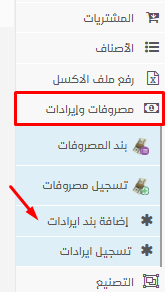
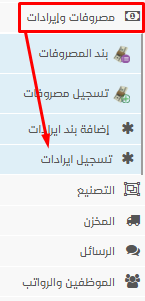
From the side menu, under the Expenses and Income section, select “Add Income Item” as shown:
A new page will appear, where you can enter the item name and then click “Save.”
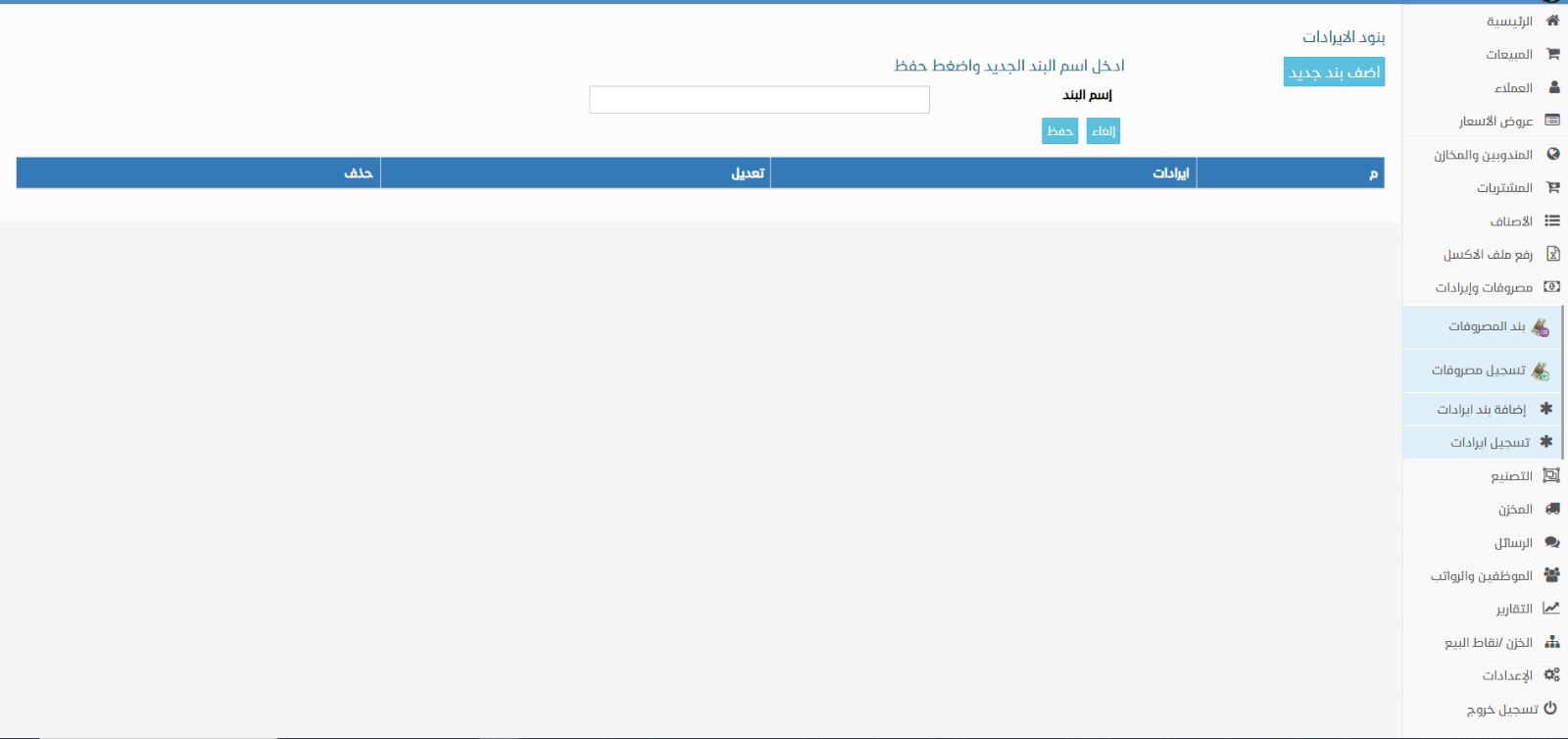
The income item will then be added:
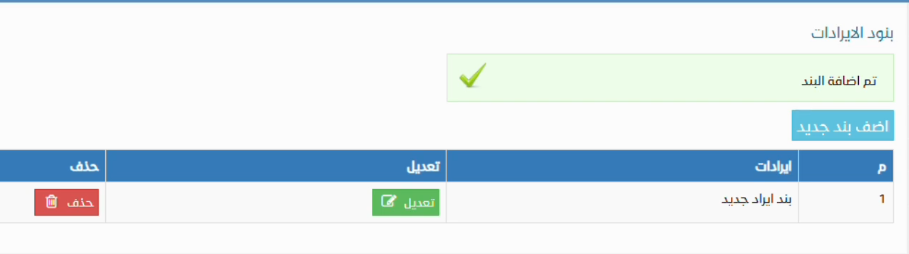
- From the side menu, navigate to ‘Expenses and Income’.
- Once you click on it, go to ‘Add Income Item’.
- Upon clicking, a page will open for you to add the income details as follows:
How to Record a New Income in Badr Daily Sales Program
To record a new income, from the side menu, go to Expenses and Income and select the submenu “Record Income” as shown:
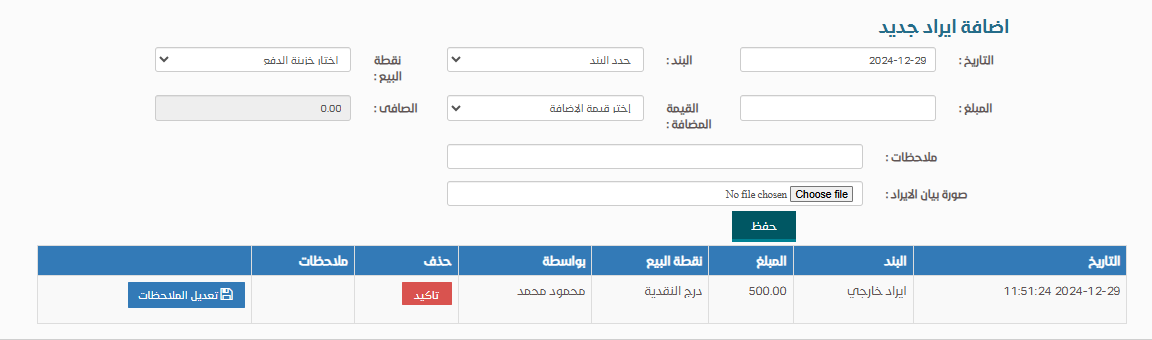
A screen will appear where you can choose the income item, enter the amount, and select the cash register where the amount will be collected. You also have the option to attach a receipt, invoice, or document using the Choose File button. Additionally, you can add notes in the Notes field, then click Save:
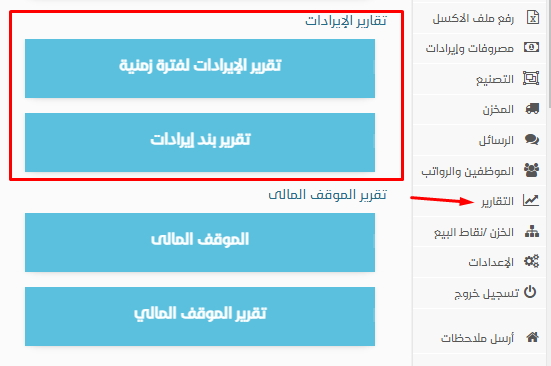
Viewing Income ReportsYou can also view income reports from the Reports section in the side menu. Then select Income Reports, either for a specific time period or by income item.