


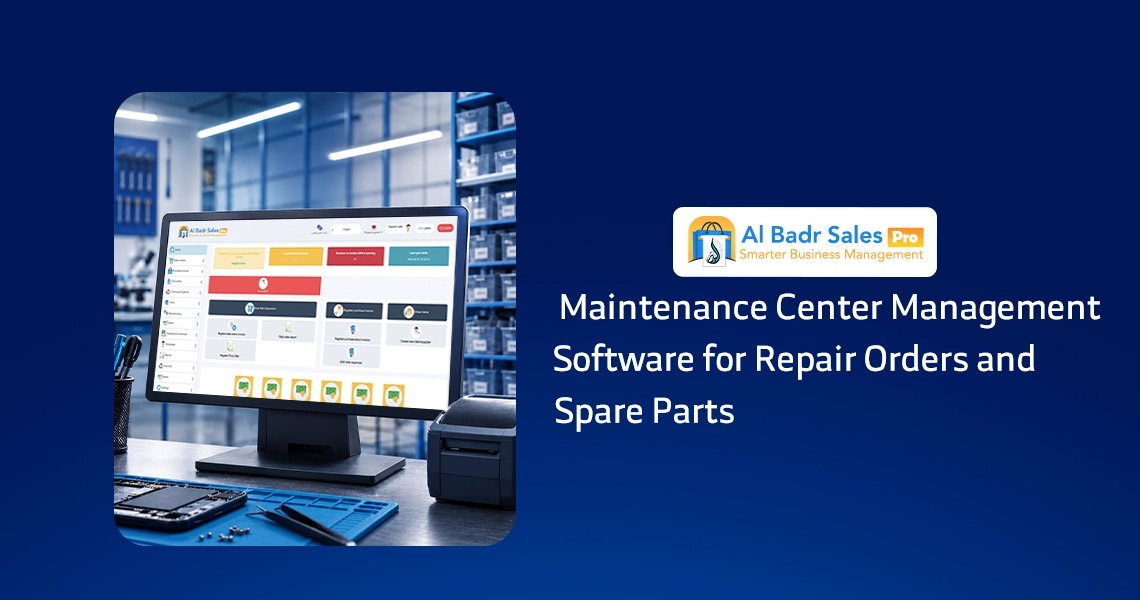
Managing a repair shop or service center requires a precise system that eliminates confusion, device misplacement, and spare part leakage. When work orders accumulate and delivery deadlines overlap, adopting straightforward technology organizes daily workflows, safeguards customer rights, and delivers fast, professional service without administrative friction or delays.
What is Maintenance Center Management Software?
It is the digital platform that transforms chaotic manual tracking and handwritten tags into a clean, transparent system that staff can read and follow easily.
How the software operates inside a repair center
Work begins when a customer drops off a broken device at the reception counter. Staff create a new work order recording the device model, serial number, and reported defects.
Then, Maintenance Center Management Software assigns a unique tracking barcode and prints a customer receipt, routing the item smoothly to the technical repair team and designated inventory components without mix-ups or forgotten parts.
Comparing digital software to traditional manual workflows
Manual management relies on paper logbooks vulnerable to damage or loss, depending on human memory that frequently misplaces client details or component costs.
In contrast, leveraging Maintenance Center Management Software establishes a secure database, providing instant access to device records, client phone numbers, and repair estimates at the click of a button without digging through dusty paperwork.
Importance of Maintenance Center Management Software for workshops and companies
Having a dedicated management system guarantees complete control over daily shop operations while boosting workforce productivity across your service facility.
Organizing maintenance request intake and preventing lost equipment
One of the largest hurdles facing service centers is confusing similar customer devices. Implementing Maintenance Center Management Software generates serialized identification tags for every item, making device identification foolproof while protecting your workshop from handing equipment to the wrong owner or losing small accessories.
Minimizing human error and delivery schedule delays
Delayed customer handovers cause client dissatisfaction and undermine business trust. Utilizing Maintenance order tracking software sets estimated turnaround times for every repair while tracking progress delays in real time, reducing human oversight and reinforcing shop reliability before your clientele.
Logging repair orders inside Maintenance Center Management Software
Accurate initial logging guarantees smooth project execution, and entering precise device details from the start is the secret to error-free repairs.
Adding detailed customer information and received devices
When a client arrives, staff log their full name, phone number, device model, and hardware serial numbers. Here, Maintenance Center Management Software saves this client data simply, preventing duplicate profiles and enabling direct communication when repairs finish or when technical clarification is required.
Documenting reported defects and attached accessories
Recording exact customer complaint notes, such as “screen unlit” or “engine noise”, is essential alongside logging received accessories like chargers or cases. Utilizing Maintenance Center Management Software captures every note and accessory, preventing post-repair disputes over delivered items and ensuring devices return in their original condition.
Assigning specialized technicians to repair tasks
Clear task delegation prevents staff from relying on fellow workers. Maintenance Center Management Software assigns work orders to designated technicians by name, holding them accountable for testing and repairs while maintaining fair, transparent task distribution across the shop floor.
Tracking repair order execution stages
Devices move through multiple stages from initial intake to final customer pickup, and monitoring these steps ensures work progresses at the required speed.
Inspection stage and fault diagnosis
During this phase, technicians inspect hardware to pinpoint underlying faults, estimating repair costs and necessary replacement components. Utilizing Maintenance order tracking software updates order statuses to “Under Inspection,” informing reception staff of current progress without needing to enter technical work areas.
In-repair stage and part installation
Upon customer cost approval, work orders transition to active repair and component installation. Employing Maintenance order tracking software logs this progress, identifying active jobs versus tasks waiting for parts, providing management with an accurate picture of shop floor productivity.
Ready for pickup status and customer notifications
Once technicians complete repairs and pass quality testing, orders switch to “Ready for Pickup.” Leveraging Maintenance order tracking software sends automated customer notifications, accelerating shelf clearance and speeding up payment collection.
Managing spare parts used in maintenance
Spare parts represent tied-up workshop capital, and managing inventory intelligently prevents stock loss while protecting profit margins.
Linking used spare parts directly to repair orders
When a repair requires replacing a screen or internal module, technicians pull the component and log it against the active job card. Maintenance spare parts management software links pulled parts directly to repair order numbers, ensuring every item leaving the stockroom is accounted for.
Automated inventory deductions and stock balance updates
Adding replacement components to job cards prompts immediate inventory deductions. Maintenance spare parts management software prevents mismatches between screen counts and physical shelf availability, protecting your business from sudden out-of-stock surprises.
Tracking spare part costs and retail pricing
Merchants need to view wholesale component costs alongside retail pricing to calculate profit margins clearly. Maintenance spare parts management software sets distinct markup margins for every part, displaying total costs transparently on final customer invoices.
Technician management and maintenance task assignment
Tracking completed order volume per technician
The platform tracks daily and weekly completed repair counts per employee. Maintenance Center Management Software highlights top-performing technicians, simplifying performance evaluations, bonuses, and incentives using concrete data.
Measuring repair speed and work quality
Beyond item counts, tracking turnaround speed for specific repair types provides actionable insight. Maintenance Center Management Software monitors technician repair velocity and repeat defect rates, helping elevate overall shop quality standards.
Configuring user permission levels for staff and technicians
Restricting sensitive financial metrics and margin adjustments preserves operational security. Maintenance Center Management Software enforces customized access roles, granting reception staff intake access and technicians part logging capabilities, while reserving profit reports for management.
Maintenance Invoicing and Cost Calculation
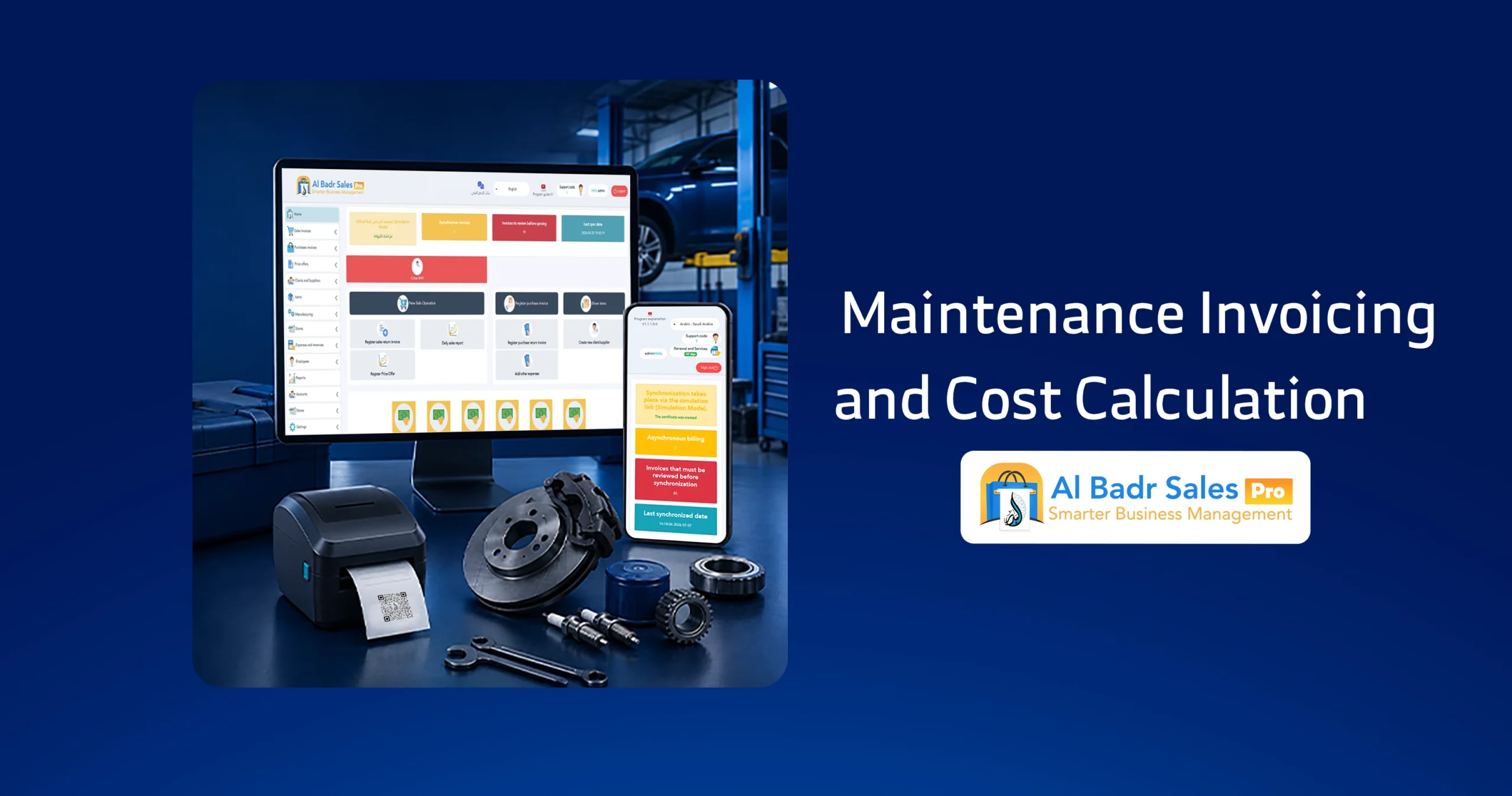
Organized invoicing serves as financial documentation that protects your shop rights while detailing charges transparently for clients.
Calculating added spare part costs accurately
Final invoices consolidate installed hardware components using pre-approved price lists. Maintenance Center Management Software automates cost tallying, preventing manual calculation errors by reception staff.
Adding labor fees and repair service charges
Alongside physical component prices, agreed-upon technical labor charges are appended to the bill. Maintenance Center Management Software separates labor fees from part prices clearly, building client trust through itemized billing.
Applying discounts and processing value-added tax
Whether applying loyalty discounts or calculating statutory tax rates, the software calculates total balances automatically. Maintenance Center Management Software auditing final totals clearly for both parties.
Maintenance Center Management Software reports
Real-time reporting acts as a clear mirror reflecting shop performance, operational efficiency, and business growth.
Repair order and completion tracking reports
The platform provides a comprehensive overview summarizing incoming devices, completed deliveries, ongoing repairs, and canceled jobs. Maintenance Center Management Software evaluates daily intake capacity and shop throughput effortlessly.
Frequent defect and device intake reports
Analyzing service data reveals recurring equipment faults across phone, appliance, or automotive repair lines. Maintenance Center Management Software highlights these indicators, helping stock necessary replacement components proactively.
Used spare parts and high-demand inventory reports
This report audits stock movement for pulled workshop components. Maintenance spare parts management software guides upcoming purchase decisions intelligently, preventing capital tie-ups in slow-moving inventory.
How to choose the best Maintenance Center Management Software

Selecting the right platform avoids future operational disruptions and ensures long-term administrative stability.
Ease of use and clear user interfaces
Software should remain accessible to cashiers, technicians, and store owners alike without technical complexity. Simple Maintenance Center Management Software speeds up daily operations without requiring lengthy training courses or complex computer expertise.
Robust inventory, spare parts, and accounting integration
Successful software combines sales, inventory, and repair modules in a single workspace. Selecting integrated Maintenance Center Management Software eliminates separate software subscriptions and ensures smooth data flow across reception, stockrooms, and registers.
Continuous updates, technical support, and data backups
Safeguarding operational records is crucial for digital management. Reliable Maintenance Center Management Software secures customer data with routine backups and responsive technical support, protecting records against accidental loss.
How Al-Badr software helps manage repair centers
Al-Badr Pro provides a complete operational platform tailored to the needs of workshops and service centers through a clean, intuitive layout.
Managing all orders and devices from a single workspace
Al-Badr Pro delivers simplified screens to track equipment from intake through repair completion and payment collection. Maintenance Center Management Software inside Al-Badr Pro focuses on speed, enabling reception staff and technicians to collaborate transparently throughout the day.
Linking repair workflows with direct sales and inventory
With Al-Badr Pro, there is no need to separate repair orders from standard retail accessory sales. The platform unifies financial transactions and stock movements within a single interface, delivering net profit reports for your entire commercial enterprise.
FAQ about Maintenance Center Management Software
What is the best Maintenance Center Management Software for workshops and repair shops?
The best software combines simplicity with speed, allowing you to register incoming devices, track stockroom spare parts, assign technician tasks, and generate clear profit reports, just like Al-Badr Pro.
Can I track repair order statuses and estimated delivery dates easily?
Yes, the system lets you toggle request statuses between Under Inspection, In Repair, and Ready for Pickup, helping notify clients of exact pickup times while monitoring internal delays.
Does the software support spare parts management and automated stock deductions?
Yes, adding replacement parts to a repair job card automatically deducts them from warehouse stock balances without manual intervention.
Can I assign specific technicians to individual repair orders?
Yes, the software enables task assignment by technician name, helping evaluate workforce productivity, repair speed, and task distribution across your workshop.
Does the software issue tax-compliant maintenance invoices?
Yes, the software generates itemized bills detailing spare part costs, technical labor charges, applied discounts, and value-added tax clearly for clients.
Premium maintenance center management and repair tracking software
If you want to eliminate device mix-ups, delivery delays, and untracked spare parts permanently, we provide the ultimate management solution.
Relying on premier Maintenance Center Management Software from Al-Badr guarantees complete control over workshop operations, from intake logging and technician oversight to stock deductions, itemized invoicing, and net profit reporting.
Stop wasting time with paper logbooks vulnerable to loss. Join thousands of merchants and service facilities who trust Al-Badr Maintenance Center Management Software to streamline daily operations and scale their business safely.