


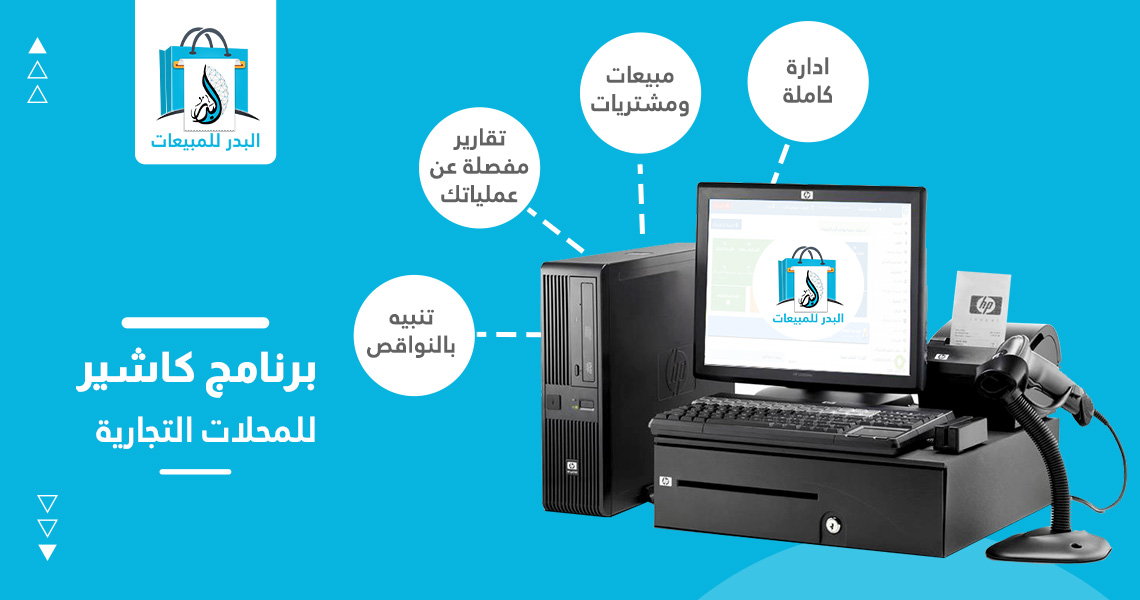
Badar’s daily sales cashier software is considered one of the best POS systems for retail stores to manage sales, accounts, and inventory of your business with simplicity and accuracy. Despite the availability of numerous cashier software names, Badar’s accounting and cashier software, along with its accounting software for restaurants and stores, offers you the ability to record daily sales and purchases.
It also allows you to prepare daily invoices, manage inventory, link multiple branches, and track the inventory levels of each branch. Additionally, it enables you to manage customer and supplier accounts, view and print reports to monitor workflow, easily conduct inventory counts using barcodes, and calculate profits, losses, income, and expenses.
What is Cashier Software?
Cashier software, also known as Point of Sale (POS) software, is designed to streamline sales processes in retail stores. It assists in tracking sales, managing inventory, processing payments, issuing invoices, managing customer interactions, and providing detailed reports on store performance.
How to Use Cashier Software
Here are general steps on how to use cashier software:
- Installation: Download and install the desired cashier software on your computer or tablet.
- Data Setup: Enter your store’s information such as name, address, contact details, applicable taxes, and other necessary details.
- Product Management: Add your products to the software’s database and update product information like prices and inventory.
- Sales Process: Select the products customers want to purchase, enter the required quantities, and calculate the total amount.
- Payment Processing: Choose the appropriate payment method, such as cash or credit card, enter the amount received, and collect payment.
- Invoice Issuance: Issue an invoice to the customer containing the sales details, payment method, and any additional information you want to include.
- Inventory Management: Track inventory and update it based on sales and new purchases.
- Customer Management: Record customer information, track past transactions, and provide better service to them.
- Reports and Analytics: Use the reporting features in the cashier software to get a comprehensive view of your store’s performance and analyze financial data, sales, and inventory.
Register now and get your free copy instantly!
Badar’s Cash Register Software for Retail Stores
Badar’s cash register software is a user-friendly program designed to be:
- Multilingual: Supporting a wide range of users, regardless of their native language.
- Cross-platform: Compatible with various operating systems such as Windows (all versions), Linux, and macOS.
- Mobile-friendly: Offering full control over your business through a mobile app, allowing you to complete sales, purchases, and manage the system remotely.
- Cloud-based: Providing additional services like inventory management, multiple stores, Android and iOS apps, maintenance systems, and diverse activities, making it a comprehensive and all-inclusive solution.
- Field-force management: Equipped with an Android app for managing mobile sales representatives, enabling them to create sales invoices and returns effortlessly.
The best Al Badr accounting program for sales
Badar Sales Cashier Software
Serves a wide range of businesses, including:
-
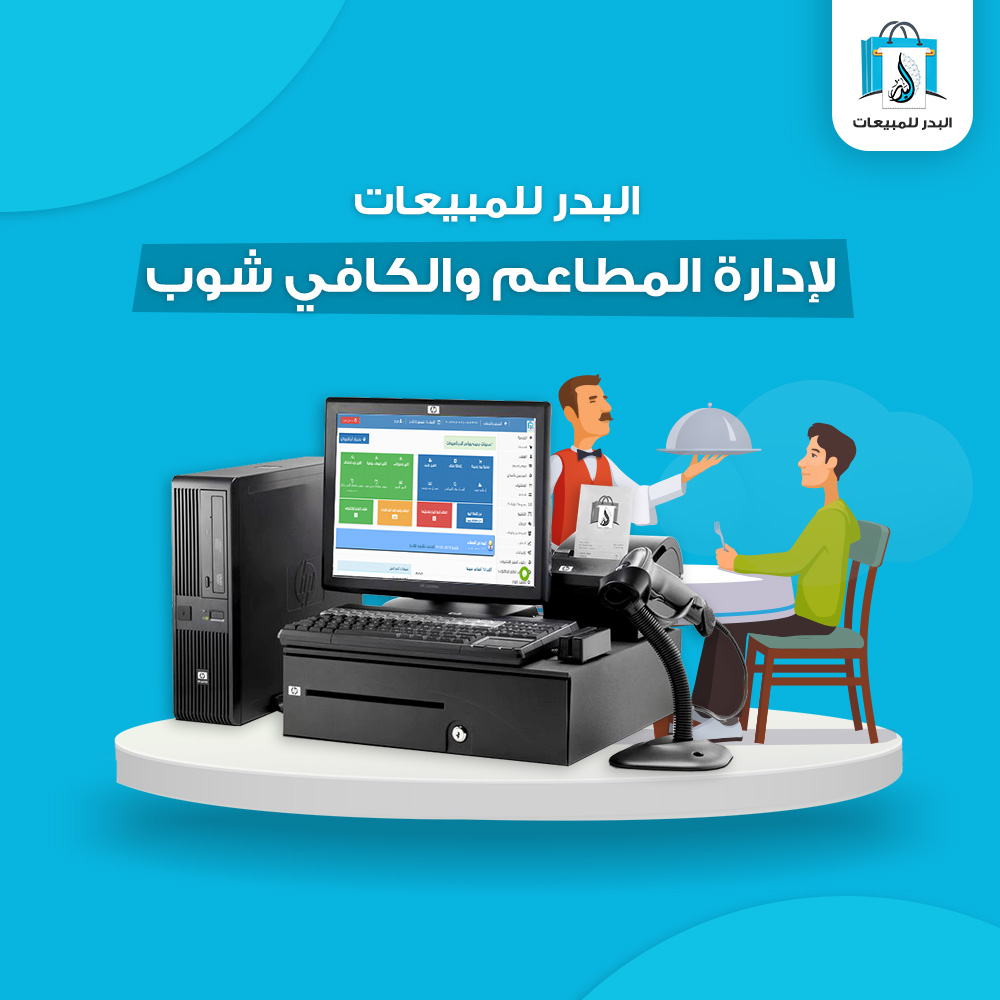
Restaurant Cashier System: Features a manufacturing module tailored for the food industry, allowing you to create products using raw materials. When a manufactured product is sold, the system automatically deducts the used quantities from the raw materials inventory. If a raw material is insufficient, the manufacturing process is halted, and the missing item is highlighted. Two manufacturing systems are available, depending on your specific needs. Learn more about them here and here.
-
Best Accounting Software for Supermarkets and Grocery Stores: Badar’s cashier software enables you to manage sales, purchases, inventory, supplies, customer and supplier registration, accounts, product inventory, and generate detailed profit reports for specific periods or items.
-
Best System for Clothing and Shoe Stores: Badar’s cashier and software can efficiently manage clothing and shoe stores. It allows you to add different colors and sizes for your products, create supplies for specific colors and quantities, and set unique prices for each item. You can also code items in shoe businesses and generate a detailed report for the warehouse manager to track incoming and outgoing goods, compare sales to returns, and identify products that have been sold but not returned.
-
This is also a mobile repair shop management software, where a complete maintenance system is integrated into the program. You can use it to record repair requests, specify the device type and brand, as well as the technician who will perform the repair. It allows you to print a ticket for the device, make an initial diagnosis of the device, identify the good and damaged parts, add spare parts used in the repair, and deliver and change the status of requests according to their current status.
-
It’s a cashier program for herbal shops, with features like price offers, different classifications, customer and supplier registration, and item registration with multiple units such as grams and kilograms. It accurately calculates the amount paid based on the quantities withdrawn.
-
Medical supply stores can use the program to add items and define customer groups that include a specific number of customers. It allows setting wholesale and retail prices so that when a customer is selected, the price is automatically determined based on what was set for him and the group.
-
Car showrooms can use the program to record purchases, supplies, services, expenses, and revenues.
-
Laundries and household appliance stores can use the program and take advantage of the installment feature available in the program. During the sale process, you can pay part of the invoice and installment the rest over several installments. You can add an appropriate increase to the remaining amount and distribute the installments over periods of a week, month, three months, six months, or a year, as required. You can also determine the value of each installment within the total installments. You can also collect installments in more than one way, either by collecting part of the installment and keeping the installment in the remaining amount until it is paid, or by collecting an amount greater than the installment value, in which case the installment will be paid in full, and the remaining amount will be deducted from the next installment. There is a report for due and paid installments according to the customer, as well as a report to calculate the profit from paid and remaining installments with a statement of the product value and its profit in the installment.
-
Electrical equipment stores can benefit from it in the same way as household appliances and other commercial activities.
Badar Cashier Software
Offers additional features such as:
- Tiered Pricing: Enables selling products at multiple prices, whether wholesale or retail, depending on customer type.
- Comprehensive Reporting: Provides daily reports for store management, displaying vital details such as sales, inventory, income, and expenses. Offers in-depth analysis of gross profit and net profit, helping store owners understand their business performance comprehensively.
- Complete Inventory Management: Allows assigning a user to a specific warehouse to manage sales and supply activities. Enables transfers between warehouses with detailed transfer notes that can be either confirmed or pending.
- Multi-Branch Management: Connects multiple branches through internal networks, servers, or online backups. Allows managing these branches from a single location.
- Cloud-Based Accounting: Enables managing multiple warehouses, their sales, and assigning customer groups to each warehouse. Compatible with a full-featured POS device suitable for your business.
Potential Errors Between POS Systems and Accounting Books
The likelihood of discrepancies between point-of-sale (POS) systems and accounting books can vary based on the quality of the software and how it is used. Several factors can influence this potential for error:
- Software Accuracy and Responsiveness: Well-programmed POS systems with user-friendly interfaces and accurate data handling are less likely to produce errors.
- Training and Technical Knowledge: The level of training among point-of-sale staff significantly impacts the accuracy of system usage. Incorrect or incomplete understanding of the software can lead to errors.
- Data Matching and Verification: Regular verification of data consistency between the POS system and accounting books is essential to prevent and correct errors.
- Software Updates and Maintenance: Frequent updates to POS software ensure ongoing support and address known system issues.
- System Design and Testing: The design and testing of POS systems are crucial. Rigorous testing helps identify and eliminate errors that could affect the accuracy of sales and accounting transactions.
- Internal Controls and Oversight: Implementing internal controls and regular audits can minimize errors by allowing for timely review and correction of transactions.
- Technology Used: Advanced systems often include tools for automatic error detection and correction, reducing the likelihood of human-induced mistakes.
Register now and get your free copy instantly!
Badar Sales Point-of-Sale (POS) Software
Offers a comprehensive suite of reports, including:
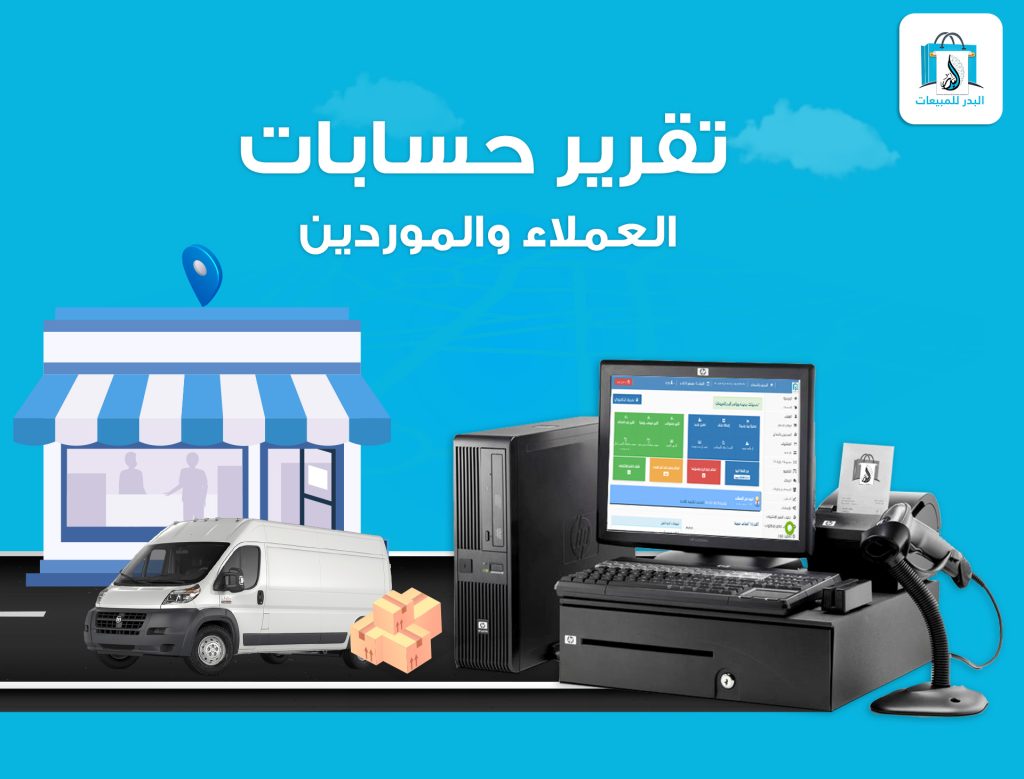
- Customer and Supplier Accounts Reports: Detailed statements of all transactions with customers or suppliers, such as purchases, sales, receipts, payments, returns, etc.
- Daily Sales Reports: Provides a summary of daily sales activities within the store.
- Restaurant Management System: Supports both retail and wholesale sales, catering to both individual customers and bulk orders for specific clients.
- Sales Management: Records all types of sales transactions and establishes rules for linking to accounts, thereby impacting customer account statements.
- Price Limits: Sets minimum and maximum selling prices for items, as well as the ability to define selling prices based on the quantity sold.
Why are POS (Point of Sale) systems the best way to record sales and inventory?
POS systems are considered one of the best methods for recording sales and managing inventory for several reasons, including:
- Time and effort savings: POS systems reduce the need for manual data entry, saving employees time and effort and minimizing the likelihood of errors.
- Accurate inventory tracking: POS systems offer features to track inventory accurately, helping to prevent stockouts and identify items that need to be restocked.
- Data analysis: POS systems allow for easy analysis of sales data, helping to understand demand patterns and trends, and identify top-selling and best-performing products.
- Managing promotions and discounts: POS systems can easily manage promotions and apply discounts to prices, helping to boost sales and strengthen customer relationships.
- Improving customer experience: POS systems can record sales quickly and accurately, contributing to a better customer experience and increasing customer satisfaction.
- Reducing the need for paper and pen: Instead of using traditional recording methods, POS systems rely on digital technology, reducing the need for paper and pen and contributing to environmental sustainability.
Badar’s Best Cashier Software for Stores: Your Inventory Management Solution
Key Features:
- Multiple Warehouse Management:
- Add and categorize multiple warehouses (e.g., main warehouse, branch warehouse).
- View specific items within each warehouse.
- Easily switch between warehouses during sales transactions.
- Interconnected Branches and Inventory Control:
- Link branches and conduct accurate inventory counts.
- Identify item shortages and surpluses.
- Create supply orders and allocate items to specific warehouses.
- Seamless Transfers:
- Effortlessly transfer items between warehouses.
- Generate transfer slips with unique numbers for reference.
- Barcode-Enabled Inventory:
- Precisely count inventory using a barcode scanner.
- Track item availability in each warehouse.
- Easy Access and Visibility:
- Quickly access any warehouse and view product quantities.
A free store cashier program for a 5-day trial. Register now or see the components of the Al Badr program
Why use cashier software at point of sale?
Cashier software is used at point of sale for several key reasons:
- Speeding up sales: Cashier software provides user-friendly interfaces that allow employees to record sales quickly and efficiently, reducing customer wait times and improving their experience.
- Inventory management: Cashier software offers tools for inventory management, including tracking available product quantities and reordering when necessary, helping to avoid lost sales due to stockouts.
- Providing reports and analytics: Cashier software enables the generation of detailed reports on sales and performance, allowing businesses to understand trends and analyze data to make better strategic decisions.
- Managing promotions and discounts: Cashier software empowers businesses to manage promotional offers and apply discounts to prices easily, helping to increase sales and attract more customers.
- Enhancing customer engagement: Cashier software can allow for the management of loyalty programs and offering special deals to valued customers, contributing to building strong customer relationships and increasing brand loyalty.
- Accuracy and reliability: Cashier software reduces the likelihood of human errors in sales processes and sales recording, increasing data accuracy and making it more reliable.
Why Choose Badar’s Cashier Software?
With Badar’s cashier software, you’ll find that recording sales and managing inventory has never been easier. With its user-friendly interface and a suite of advanced tools, you can easily improve your business performance and boost profitability.
Whether you own a small store or a chain of businesses, Badar’s cashier software provides you with the tools you need to efficiently and effectively organize your operations. Don’t miss the opportunity to achieve outstanding success in your business. Start today with Badar’s cashier software and contact us for a free demo or to learn more about how to enhance your business using Badar’s cashier software.
Frequently Asked Questions about Badar Cashier Software for Stores
Can I record the company’s expenses within the software?
Yes, you can define any expense item through the software, such as rent, cleaning, labor, etc. The software allows you to easily record the expenses incurred by the company and track expense reports for a specific period or expense item.
How can I renew the online version subscription?
- Payment through the company’s headquarters or agents.
- Payment by Visa, integrate the software with the global payment institution PayPal.
- Payment through bank transfer.
Does the software apply a tax system?
Yes, a tax system can be applied to invoices based on the system determined by the company manager and the general system in the country where the software is used. This is done through settings to activate add-ons on invoices to apply taxes to invoices.
Can I add a static text to the invoice?
Yes, you can add any text to the invoice, either at the top or bottom, such as the company address, tax number, or a notification to the customer about terms of use.