


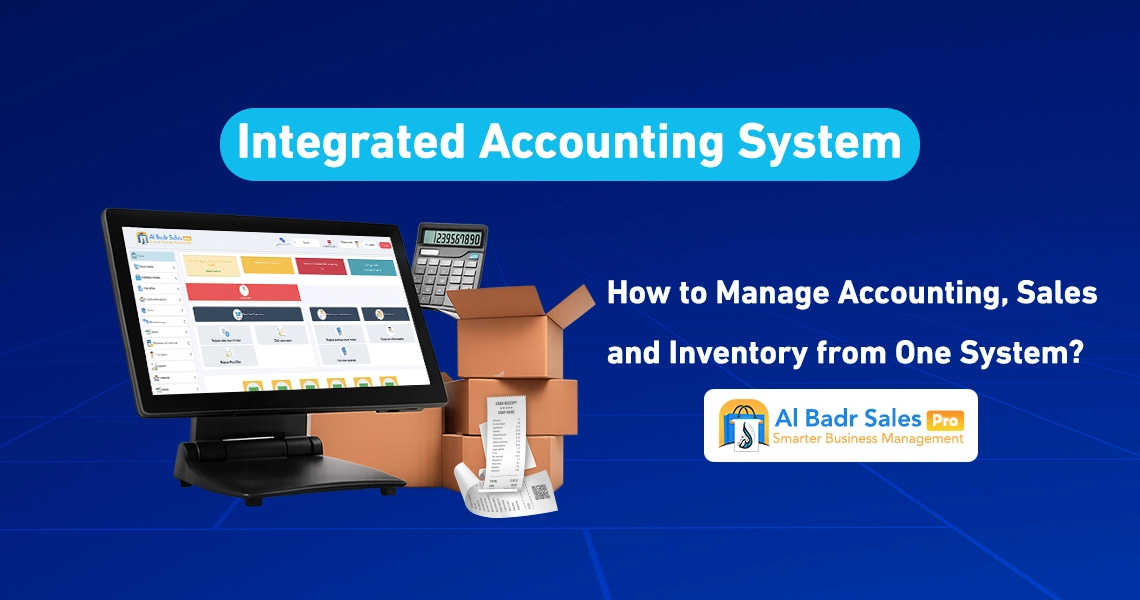
Managing a store or company requires constant order and organization. Paper ledgers or disconnected software cause distraction and waste time. Choosing an Integrated Accounting Software that merges all details of sales, inventory, and finance in one place ensures total control over your business, tracking profits, and monitoring growth with complete clarity and ease.
What Is an Integrated Accounting System and How Does It Differ from Traditional Software?
Definition of an Integrated Accounting System
When we discuss having an Integrated Accounting Software, we mean smart software that unites every department of your store or company on a single screen. The Accounting System manages sales with the cashier, deducts items from the warehouse, and records financial entries in accounts simultaneously. This automatic coordination saves you the effort of manual entry writing and repeating data input across separate locations.
Standalone Software versus Integrated Systems
Store owners previously used dedicated software for sales, another program for inventory, and paper books for customer debts. This approach left business owners distracted across unconnected tools. Relying on an Integrated Accounting Software guarantees a clear and accurate complete picture, where data across all departments updates automatically whenever any transaction occurs.
Why Data Needs to Operate Inside a Single System
Data fragmentation across separate applications makes knowing actual profits extremely difficult. The flow of information within a unified Accounting System ensures money in the cash drawer matches incoming and outgoing merchandise movements. Consequently, you avoid manual addition or subtraction errors while protecting the safety of your financial numbers around the clock.
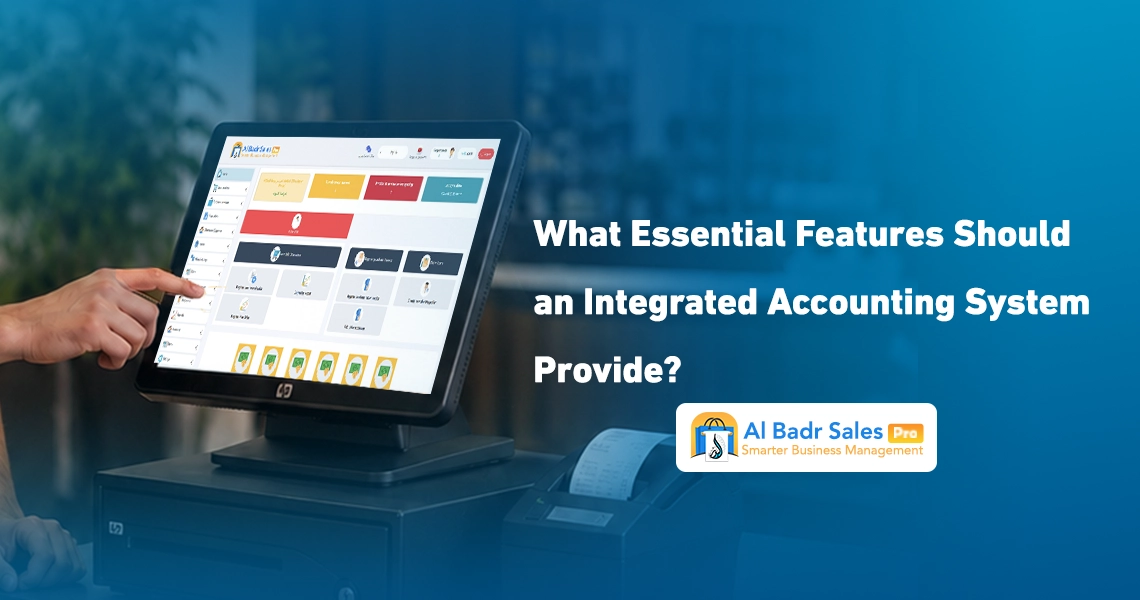
What Essential Features Should an Integrated Accounting System Provide?
Accounts
Recording daily receipts and operational expenditures forms the foundation of business management. Relying on an Accounting System provides a simplified chart of accounts to log rent, employee wages, and utility bills clearly, calculating net income through an accurate automatic method.
Sales
The sales process is the main engine of any enterprise. An Integrated Accounting Software provides high-speed sales screens, enabling cashiers or sales staff to issue and print customer invoices rapidly while supporting barcode scanners, multiple payment methods, and on-demand price discounts.
Purchases
Tracking purchases protects you from financial confusion with vendors. Working through an Integrated Accounting Software simplifies recording incoming purchase invoices from suppliers, monitoring product cost prices, and documenting paid amounts alongside remaining balances systematically.
Inventory
Merchandise represents your working capital stored inside stores and warehouses. Having an Accounting System that connects storage facilities directly to point-of-sale activities offers real-time monitoring of available unit quantities, guarding against product loss or sudden stockouts without warning.
Customers and Suppliers
Commercial relationships rely on proper financial commitments. An Integrated Accounting Software helps create dedicated profiles for every customer and vendor, recording contact information, detailed account statements, outstanding debts, and deferred payment terms to protect everyone’s rights.
Reports
Reports serve as the navigational compass guiding merchants. A robust Accounting System provides simple reports you can understand clearly, including daily sales summaries, cash drawer movements, and overall net profits without unraveling complex accounting codes.
How Does an Integrated Accounting System Connect Sales to General Accounts?
Recording Sales
When a cashier scans a product over a barcode reader, item details and pricing appear on screen. Upon completing the transaction inside a unified Accounting System, the invoice prints for the customer while system data updates immediately across the cash drawer and warehouse.
Updating Financial Ledgers
Once an invoice is saved, electronic accounting software transfers cash sale values directly to the cash account. If a transaction involves deferred credit, the value posts automatically to the customer account ledger without requiring manual intervention.
Recording Payment Methods
Diverse payment methods are a daily necessity. An advanced Accounting System helps record payments whether made through cash, debit or credit card networks, or bank wire transfers, routing every amount into its designated account properly.
Sales and Purchase Returns
When a customer returns an item, an Integrated Accounting Software allows seamless recording of return invoices. The system restocks the item into warehouse inventory automatically while deducting its financial value from cash drawers or customer accounts based on the original payment method.
How Does an Integrated Accounting System Help Manage Inventory?
Real-Time Quantity Updates
Accurate inventory numbers prevent stock loss or theft. When relying on interconnected electronic accounting software, available product balances decrement the moment an invoice prints at checkout, allowing you to know exact shelf quantities at any minute.
Multi-Warehouse Management
If you operate multiple storage facilities or commercial branches, choosing an Integrated Accounting Software allows you to open multiple warehouses under the same account, monitoring each facility’s balance independently while knowing item locations clearly.
Stock Auditing
Stocktaking is considered a challenging task using legacy methods. Using an Accounting System makes auditing significantly easier by comparing system quantities against physical shelf counts to detect inventory variances or shortages rapidly.
Item Movement Velocity
Understanding product movement details reveals fast-moving items and slow-selling stock. Operating through electronic accounting software displays entry and exit dates for every SKU, enabling you to concentrate capital investments on inventory that yields fast profit returns.
How Does an Integrated Accounting System Manage Customers and Suppliers?
Customer Receivables
Tracking deferred sales requires high accuracy to prevent financial loss. A smart Accounting System provides visibility into total outstanding customer debts while setting specific credit limits per client to alert you whenever thresholds are exceeded.
Supplier Payables
Knowing outstanding vendor obligations prevents late payment penalties or supply disruptions. Documenting credit invoices inside electronic accounting software helps schedule payment dates without impacting your business liquidity.
Receipt and Payment Vouchers
Al-Badr Sales Pro provides receipt and payment voucher generation with every transaction. Linking these vouchers within an Accounting System gives formal documentation when receiving funds from clients or paying vendor expenses.
Account Statements
An Accounting System generates detailed account statements with a single click, displaying invoice dates, paid amounts, and remaining balances. You can print or share these statements with customers or suppliers to maintain complete transparency and reconciliation.
How Does an Integrated Accounting System Improve Reporting and Decision-Making?
Sales Performance Reports
Monitoring sales volume highlights peak performance periods. Electronic accounting software displays daily, weekly, and monthly sales reports, revealing top-selling products and peak customer shopping hours.
Profit and Loss Statements
The primary objective of business operations is generating net profit. Having an Accounting System that compares total revenues against complete costs and operating expenses yields clear net profit figures free from random guesswork.
Inventory Movement Reports
Inventory reports guide smarter purchasing decisions. An Accounting System provides a comprehensive overview of items approaching minimum reorder points alongside stagnant stock requiring promotional markdowns to liquidate frozen capital.
Cash Flow Tracking
Tracking cash entering and leaving registers gives absolute peace of mind. Following cash movement through accounting software helps organize expenses and maintain liquidity required for purchasing new merchandise or settling timely obligations.
Debt Monitoring Reports
Debt tracking reports provide warning signals whenever external liabilities increase. Clarifying these numbers within an Accounting System simplifies collecting receivables and prioritizing outgoing payments.
How Does an Integrated Accounting System Support Multiple Branches and Users?
Managing Multiple Branches Centrally
Expanding your business and opening new branches becomes seamless when relying on online accounting software. You can monitor first-branch sales performance while physically working at a second location without traveling between premises.
Employee User Permissions
Protecting financial data requires restricting what staff can access. The tools inside an Integrated Accounting Software let you set cashier permissions strictly for sales checkout while managers retain full access to financial reports and complete net profits.
Point of Sale Integration
Linking point-of-sale screens across all stores with a unified Accounting System creates operational consistency. Each cashier operates on their assigned terminal while sales numbers aggregate into a single centralized dashboard for effortless monitoring.
Data Unification Across Outlets
Unifying merchandise details and prices across all retail outlets prevents operational confusion. Operating through an Accounting System enables you to adjust item prices centrally, updating all branches instantly without manual price edits at each store location.
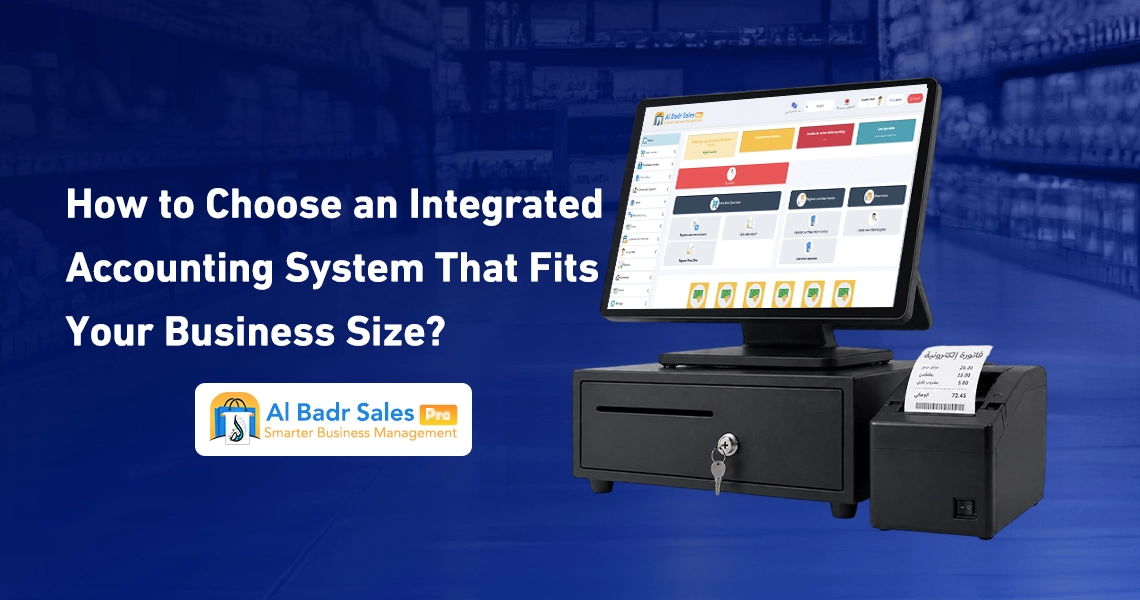
How to Choose an Integrated Accounting System Suitable for Your Business Scale?
Identify Your Business Requirements First
Before purchasing, determine what your store truly requires, whether cashier checkout speed, large warehouse handling, or detailed debt tracking. Defining these operational priorities helps select an Accounting System that meets your goals completely.
Test Overall Ease of Use
Intuitive interfaces and clear menus represent the most critical criteria. Your preferred accounting software must remain simple to navigate, allowing cashiers, warehouse staff, and business owners to operate screens without attending complex training courses.
Verify Future System Scalability
Your small enterprise today may expand tomorrow. Choosing an Integrated Accounting Software capable of handling new branch locations and additional user seats ensures long-term operational continuity without needing system replacements later.
Compare Support Quality and Costs
Having responsive technical support ready to assist at any time is essential. Comparing subscription pricing against provided capabilities in an Accounting System guarantees securing optimal value for your investment.
Test Software Prior to Purchase
Reputable software providers offer free trial periods before requiring financial commitments. Testing an accounting software firsthand inside your store allows you to examine checkout screens and issue test invoices to verify compatibility with your business workflows.
Does Your Business Really Need an Integrated Accounting System?
Transitioning to a modern financial and administrative system represents a vital step toward scaling and organizing your business. If your enterprise involves the following operational factors:
- Physical inventory and goods requiring continuous oversight and control.
- Daily point-of-sale transactions and receipts needing immediate printing and archiving.
- Vendor dealings involving credit accounts, outstanding debts, and deferred payment schedules.
- Multi-branch operations or active plans for commercial expansion.
- Cashiers and staff requiring restricted role-based permission access.
- Needs for clear, rapid profit and loss financial statements.
Then adopting an Integrated Accounting Software becomes the logical decision to save operational time and protect financial assets. Al-Badr Sales Pro delivers all these capabilities within a straightforward, user-friendly platform tailored for merchants and commercial enterprises.
FAQ About Integrated Accounting Systems
What is an integrated accounting system?
It is software that unites sales, inventory, accounts, customers, and suppliers on a single dashboard, updating financial data automatically without relying on separate tools or paper books.
What does an integrated accounting system include?
It includes interfaces for invoice generation, warehouse management, expense and revenue tracking, customer and vendor ledger management, and accurate financial reporting.
What is the difference between ERP and an integrated accounting system?
ERP platforms are massive systems designed for large enterprise manufacturers requiring lengthy setups. An Integrated Accounting Software focuses on daily sales, stock, and accounting workflows through a faster, simpler design suited for retail stores and commercial businesses.
Is an integrated accounting system suitable for small businesses?
Yes, small enterprises benefit immensely because it prevents financial errors, saves daily operational time, and eliminates the requirement for dedicated full-time accountants.
Can the accounting system connect directly to inventory?
Yes, synchronization happens automatically so that sold merchandise decrements from inventory balances the moment an invoice prints at the cash register.
Does the system support point of sale (POS) operations?
Yes, it supports high-speed POS terminals, barcode scanners, thermal receipt printers, table management, and cashier shift handoffs.
How do I select the right accounting system for my business?
Select the right platform by testing software interfaces, confirming ease of use, verifying available technical support, and ensuring seamless sales-to-inventory integration within your budget.