


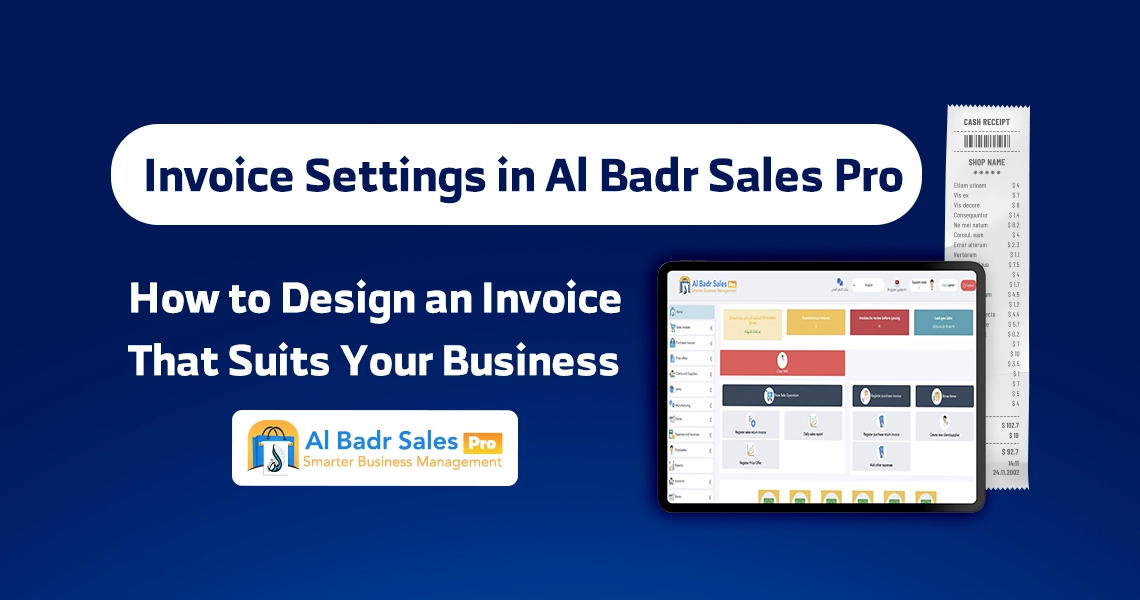
An invoice is not a simple sheet of paper handed to a customer after checkout; it is the real face of your enterprise and a reflection of your organizational standards and professionalism. Attention to transaction detail ensures accurate financial records, saves operational time, and protects client rights smoothly using flexible Invoice Settings.
Why are invoice settings important for any commercial business?
Configuring your sale receipt parameters serves as the foundational step toward establishing a streamlined work environment free from accounting discrepancies and daily administrative errors.
The invoice as an official sales document protecting both parties
A receipt generated by your system acts as an authorized document confirming sales transactions between merchants and buyers. Configuring Invoice Settings correctly guarantees that financial details and line items are logged with high precision. This prevents disputes regarding item quantities, protects cash flow, and preserves customer trust simultaneously.
Elevating business brand image before customers
Shoppers notice subtle operational details. Presenting an elegant, organized receipt displaying your store name, logo, and contact info creates a sense of confidence and security. Utilizing Invoice Settings grants your business a professional corporate identity, helping small retail shops appear as established, trustworthy entities in competitive commercial markets.
Organizing daily sales data and financial accounts clearly
Managing high daily transaction volumes requires structured organization for seamless stock audits and cash register reconciliations. Controlling Invoice Settings allows you to specify printed fields, such as cashier ID, timestamp, and receipt number, making end-of-day register balancing quick and simple to complete in minutes.
How does Al-Badr Pro support invoice settings?
The software provides an intuitive control panel that allows you to customize sale receipts to match your daily operational workflow and business requirements seamlessly.
Controlling invoice layout and paper print sizes
Printing requirements vary by trade type: small retail kiosks require quick thermal receipt printers, whereas corporate firms and wholesale warehouses prefer standard full-page sheets. Flexible Invoice Settings within the platform enable you to select appropriate paper sizes with a single click without requiring technical expertise or external software engineers.
Adding business information: logo, address, and phone numbers
Through the Invoice Settings dashboard, you can enter your business name, company logo, physical address, phone numbers, and social media links to display prominently at the top of receipts. Customizing these fields turns every printed receipt into a free marketing tool that stays with your buyers anywhere they go.
Customizing product details and displayed prices
The platform grants total control over what information is shown or hidden on customer receipts. Adjusting Invoice Settings enables you to display item list prices alongside discounted rates, show tax breakdowns, or hide secondary fields, ensuring every printed receipt remains clean and understandable for staff and consumers alike.
The role of invoice settings in designing a professional sales receipt
Smart receipt screens aim to produce legible, quick-to-read printouts that customers and employees can interpret instantly without confusion.
Structuring invoice data in a clean, logical layout
A well-structured receipt layout guides the eye from top header info through line-item itemization down to final transaction totals. Applying proper Invoice Settings distributes text elements evenly across the page, enabling managers, cashiers, and shoppers to review receipt details at a single glance.
Clear item pricing, quantities, and final balances
Customers look at receipts primarily to verify itemized costs and overall math. Adjusting Invoice Settings to display dedicated price and quantity fields guarantees that grand totals and applied discounts appear in clear fonts, eliminating ambiguities or billing misunderstandings.
Streamlining customer purchase reviews and item exchanges
When buyers return to exchange merchandise, fast processing requires a legible receipt. Configuring Invoice Settings ensures every transaction includes a unique serial number and barcode, allowing cashiers to fetch historical sales data into the system instantly to process returns without friction.
Electronic invoicing within Al-Badr Pro
Complying with modern tax regulations and legal standards has become an essential operational requirement for all retail shops and commercial enterprises today.
Issuing certified, fast electronic invoices
You no longer need complicated external configurations to meet official regulatory demands. The platform embeds Electronic invoicing tools into its core framework, allowing you to use Invoice Settings to print certified receipts containing all legally required parameters and business tax IDs effortlessly.
One-touch QR code generation support
Integrating quick-response codes is a standard requirement across modern commercial operations. The software generates dynamic QR codes at the bottom of receipts automatically; enabling this option within Invoice Settings prints encoded transaction details, store credentials, and timestamps securely.
Structuring tax details and displaying value-added tax clearly
To maintain tax compliance and financial clarity, the platform breaks down taxable amounts automatically. Configuring Invoice Settings allows you to display applicable value-added tax percentages and separate tax line items alongside net totals, ensuring legal compliance across all customer transactions.
How to choose the right invoice style for your business?
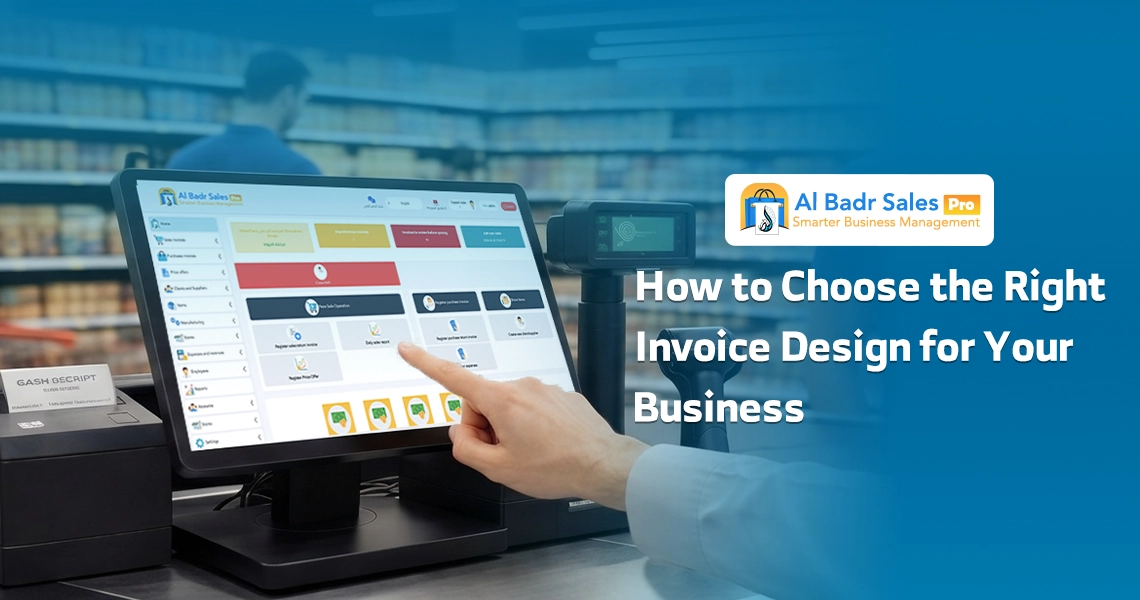
Every commercial sector requires specific printing formats; matching your layout style to daily transaction volume improves point-of-sale efficiency.
Business nature and daily sales volume
If you manage a supermarket, grocery store, or fast-paced retail counter, you require compact thermal receipts printed instantly. Conversely, furniture showrooms and home appliance centers benefit from full-page documents. Flexible Invoice Settings adapt to any retail environment effortlessly.
Number of items per single transaction
Businesses processing multi-item wholesale orders require a Sales invoice design that accommodates long product lists without wasting excess paper rolls. Stores handling short 2-item orders prefer minimal layouts. This customization is easily configured directly from the Invoice Settings interface.
Customer-facing data requirements by industry
Certain industries must display serial numbers or product warranty terms on printouts, while general retail stores only require item names and prices. Selecting an adaptable Sales invoice design lets you enable mandatory fields while hiding unnecessary elements, keeping receipts concise and organized.
Invoice settings for retail stores and POS terminals
Speed and clarity form the foundation of successful high-traffic retail counters facing continuous customer queues.
Rapid printing to eliminate customer queue delays
During peak hours, slow printer output frustrates waiting customers. Optimizing Invoice Settings commands thermal receipt printers to output slips in a fraction of a second upon clicking save, accelerating cashier throughput and preventing checkout line bottlenecks.
Clear cashier details and shift tracking for operational control
To ensure cash drawer accountability, the system prints cashier staff names and shift IDs directly on receipts. Leveraging Invoice Settings features allows management to track who processed each order, simplifying cash audits and identifying discrepancies instantly without misplaced blame.
Optimizing receipt formats for heavy daily usage
Utilizing direct thermal printing options minimizes ink expenses and roll consumption. Available Invoice Settings allow you to trim bottom margins and white space, reducing ongoing operational expenses over long-term commercial use.
Invoice settings for restaurants and service-based businesses
Service providers and food businesses require specialized receipt detail to ensure client orders are fulfilled accurately without kitchen mix-ups.
Itemized order details and custom customer instructions
Restaurants and cafes need to print specific customer preferences like extra sauces or ingredient omissions. Utilizing Invoice Settings allows you to display special instructions in large fonts, helping kitchen staff prepare orders accurately without miscommunication.
Customer details and delivery location info
For home delivery orders, printed receipts must clearly show customer names, phone numbers, and delivery addresses. The Invoice Settings menu enables dedicated delivery fields, ensuring fulfillment slips display clear instructions for dispatch drivers.
Including return policies and terms of service
To prevent customer disputes, businesses often print brief policy terms at the bottom of receipts, such as valid exchange windows. Utilizing Sales invoice design options allows you to add custom footers and store policy text visible to all buyers.
Common Mistakes in Sales Invoice Design
Avoiding common receipt errors when setting up your Sales invoice design protects operational workflows and improves overall customer satisfaction.
Omitting store contact details and printing generic slips
Printing receipts that lack store names or contact numbers renders them useless if clients need to follow up regarding purchases. Configuring Invoice Settings avoids this error by requiring core business details to be entered before printing customer receipts.
Overcrowding invoices with unnecessary text and tiny fonts
Attempting to cram excessive promotional text or decorative elements onto receipts creates cluttered, unreadable slips. The ideal approach relies on a clean Sales invoice design focused on core transaction data, easily configured through software layout controls.
Ambiguous grand totals, tax lines, and applied discounts
Hiding discount amounts or merging taxes into item prices creates customer distrust regarding billing integrity. Selecting transparent display options within Invoice Settings presents itemized financial breakdowns clearly, ensuring customer confidence at checkout.
How do invoice settings help reduce errors?
Standardizing receipt layouts across all cashiers and shifts
When employees use varied formats, operational confusion arises. Relying on unified Invoice Settings across the software ensures all printed receipts maintain consistent layout standards, regardless of which shift worker or branch processed the order.
Automatic database fetching without manual cashier typing
Manual typing of product prices or item descriptions consumes time and introduces severe accounting errors. Linking your product database directly to POS checkout screens via Invoice Settings populates item costs automatically upon barcode scanning, eliminating human error entirely.
Simplifying daily sales audits and cash register balancing
Generating sequential, time-stamped receipts simplifies end-of-day register audits. Managers can easily reconcile physical cash in the drawer against printed daily sales summaries, thanks to accurate data captured through Electronic invoicing.
Why are invoice settings in Al-Badr Pro a vital feature?
Enhanced professionalism that elevates your market presence
Utilizing software that generates compliant Electronic invoicing formatted with clean design standards positions your store among leading enterprises, building positive brand perception among all buyers visiting your business.
Superior inventory control and sales tracking
Linking receipt printing to warehouse databases automatically deducts sold quantities the moment an order is saved. This enables your system to maintain accurate stock levels and calculate true profit margins based on structured data recorded across issued Electronic invoicing documents.
Total adaptability across diverse commercial operations
Whether you operate a small retail shop, busy restaurant, distribution enterprise, or showroom, crafting an optimized Sales invoice design makes Al-Badr Pro an adaptable management solution to handle all your sales operations effortlessly.
FAQ about invoice settings in Al-Badr Pro
Does Al-Badr Pro support certified electronic invoicing compliance?
Yes, absolutely. The system complies with standard Electronic invoicing regulations, supporting dynamic QR code generation, itemized tax breakdowns, and automated sequential receipt numbering.
Can I customize invoice layouts and change paper print sizes easily?
Yes, the software offers versatile options to customize invoice layouts and select appropriate paper sizes, whether compact thermal receipt rolls for quick counter transactions or standard full-page sheets for corporate firms.
Why is investing time in sales invoice design important for merchants?
An organized receipt ensures transparent pricing and quantities for customers, prevents billing disputes, simplifies return processing, and projects a professional image for your enterprise.
Do not leave your store’s receipt printing or daily financial accounts to chance or paper logs. Turn every checkout interaction into an opportunity to strengthen your brand image and establish customer trust.
With Al-Badr Sales Pro, you gain full control over every aspect of your receipt design and commercial messaging through simple, flexible controls that your team can master with ease, ensuring fast, error-free daily operations.