


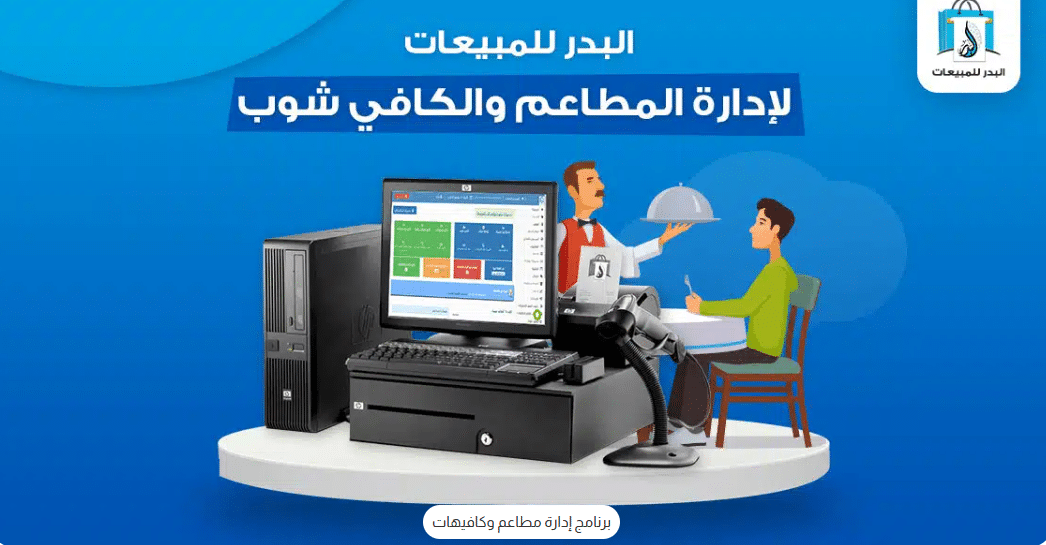
The Al Badr Daily Sales System is a powerful cloud-based restaurant and café management software designed to help you run your food business with ease. It includes every essential module a restaurant needs, such as production management, delivery management, table management, dine-in service, and home delivery.
The system can handle a large number of items, categories, and multiple warehouses. It also offers two fully optimized control screens: a mouse-based interface and a touch-friendly interface suitable for POS touch screens. The organized layout allows categories and items to appear in a clean, structured view for faster order processing.
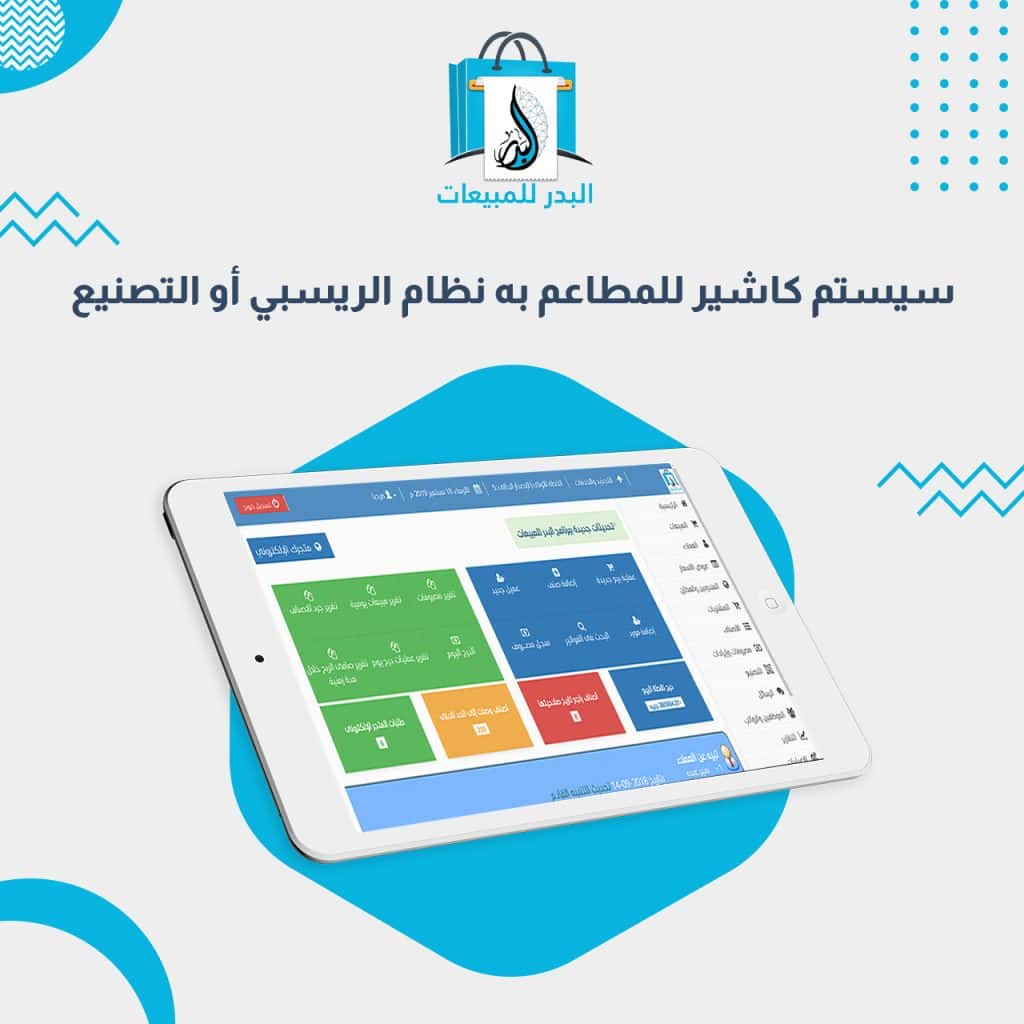
The Al Badr POS system works as a complete restaurant cashier system and a full restaurant accounting solution. It integrates seamlessly with kitchen printers and cashier printers, and it can be accessed from tablets or smart devices to help staff manage tables and dine-in areas independently and efficiently.
What Is a Restaurant POS System?
A restaurant POS system is an integrated solution designed to manage restaurants, cafés, and small food businesses with high efficiency. It handles sales operations, inventory management, and financial reporting in a smart and streamlined way.
Its simple, modern interface is easy to use, making it a highly effective point-of-sale tool that records bills, manages payments, and organizes additional services with speed and accuracy.
A restaurant management system helps improve performance and increase profitability by providing detailed financial reports and analytics. It centralizes order management, delivery operations, and customer service to ensure a smooth experience that enhances customer satisfaction.
Why Your Café or Restaurant Needs a POS System
Using a professional cashier and management solution is essential for any restaurant or café. Here are the key benefits:
Accurate and Reliable Reporting
The system improves the accuracy of financial and sales reports, enabling better decision-making and long-term planning.
Inventory Management
It tracks your stock levels precisely, preventing losses caused by shortages or overstocking.
Improved Operational Efficiency
By automating routine tasks, the system reduces human error and enhances daily workflow efficiency.
Cost Monitoring
It analyzes costs in detail, helping you identify profit-making activities and areas that need improvement.
Saving Time and Effort
It minimizes manual work, allowing your team to focus on serving customers and improving operations.
Tax and Compliance
The system ensures that all accounting transactions comply with financial regulations and tax requirements.
Better Customer Experience
By streamlining orders, payments, and service operations, the system helps deliver faster and better customer service.
Performance Analysis
It provides actionable reports and analytics that help you understand your business performance and uncover growth opportunities.
How to Use a Restaurant POS System
Modern restaurant and café management software provides the latest technologies to simplify operations and streamline payment processes. Using a POS system is essential for improving efficiency, enhancing service quality, and increasing overall profitability.
With continuous updates and advanced features, restaurant owners can attract more customers and operate their business more successfully.
Below are the main steps for using a restaurant POS system effectively:
1- Downloading the System
Many restaurant POS solutions are available online and can be downloaded and installed easily on your devices.
2- Adding Your Menu
After installation, restaurants can upload their full menu, assign categories, set prices, and configure available payment options.
3- Processing Payments
When a customer completes their order, the cashier records the items and prices in the system. The paid amount is then added automatically to the restaurant’s account.
4- Reports and Analytics
A restaurant POS system provides detailed sales reports and insights that help monitor performance and track profitability.
5- Inventory Management
The system includes tools for managing stock levels efficiently and ensuring proper control over all ingredients and supplies.
Al Badr Restaurant and Café Management System
The Al Badr Daily Sales System offers a wide range of powerful features that make managing your restaurant easy, accurate, and efficient. It includes full tools for restaurant operations such as recipe management, production control, billing, and much more.
1- Visual Menu and Item Categories
The system allows you to register items and categories with images. This makes it easy to navigate the touch-screen sales interface, where categories appear visually, and all related items display under them with their price and unit.
2- Item Add-Ons and Modifiers
You can add optional extras such as ketchup, mayonnaise, or appetizers. These modifiers appear automatically when selecting the main item. Their prices are added to the final bill, and you can control which add-ons appear for each product.
3- Simplified Takeaway Screen
A dedicated takeaway interface allows fast order processing. Users simply tap a category to view the items, select the desired product, adjust quantities, and issue the invoice instantly.
4- Complete Delivery Management System
You can register delivery drivers, assign orders to them, and track their delivery status. Once a driver returns with the payment, the manager updates the system to mark the order as delivered and paid. Pending and completed delivery orders are clearly displayed for easy follow-up.
5- Table Management for Dine-In
The system enables full dine-in table management. You can create tables, name them, and assign customers upon arrival.
Waiters can open a running bill for each table, add or modify items at any time, transfer customers from one table to another, and issue the final invoice when they finish their meal.
6- Recipe and Production (Manufacturing) Module
The built-in recipe/production module lets you define each dish’s ingredients accurately. When a dish is sold, the system deducts the exact material quantities from inventory. If an ingredient runs out, the item stops appearing in the sales interface until stock is replenished. Multiple production methods are available to suit different business workflows.
7- Daily Sales Report
The system provides a detailed report showing sold items, sales totals, and profit for each dish within any selected period.
8- Shift Management
If your restaurant operates multiple shifts, you can separate each shift’s sales and cash drawer totals. Managers can transfer the shift’s cash to the main safe and print or export shift reports for review.
9- Multi-User Access and Permissions
The system supports multiple users with individual cash drawers and customizable permissions. Three permission levels (basic, medium, and advanced) allow managers to control exactly what each employee can access.
10- Income and Expense Tracking
You can record all expenses and revenues under organized categories. These can be included or excluded from daily profit calculations based on your preference.
11- Comprehensive Reporting System
You can view and print all types of reports, including inventory reports, sales summaries, gross and net profit, shift reports, purchase reports, item movement, and more. Reports can be printed or exported to Excel.
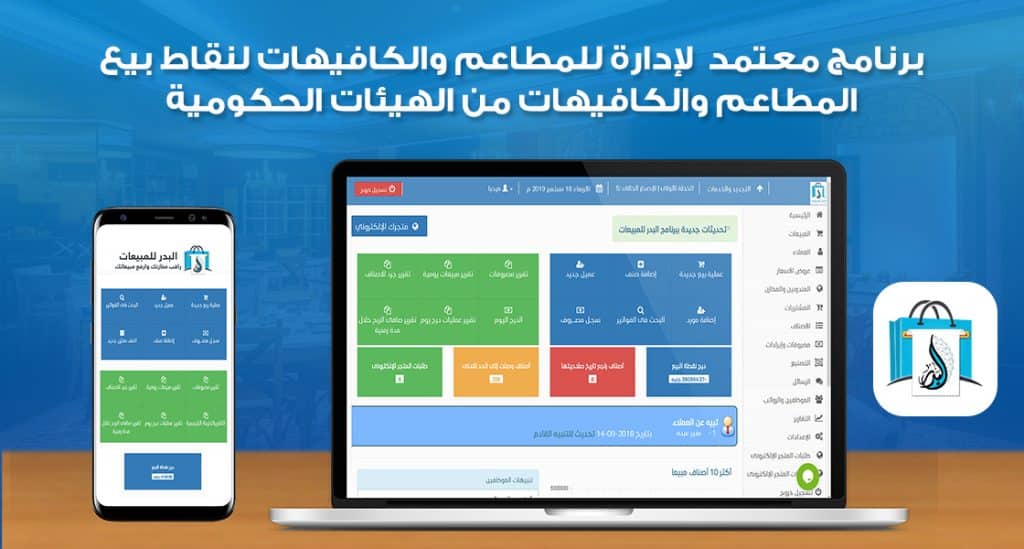
12- Officially Certified POS System
The system is fully compliant with government and tax regulations. It supports Saudi electronic invoicing (ZATCA) and is also integrated with the Egyptian Tax Authority. It is officially certified as a complete POS and restaurant management solution.
13- Full Accounting and POS Capabilities
The system provides everything you need to manage your restaurant: menu management with images, recipe and production control, table management, invoice generation for both kitchen and cashier printers, shift closing, user permissions, and warehouse assignment.
14- Designed for Restaurants and Retail Businesses
Developed by Al Badr, the system is ideal not only for restaurants and cafés but also for various retail shops that require a fast, reliable POS system with advanced sales reporting.
After-Sales Support and Continuous Updates
Al Badr provides exceptional after-sales service, including comprehensive technical support available throughout the week during official working hours.
The company also offers regular updates and new features based on user needs, ensuring the system evolves continuously to meet market demands and improve overall performance.
What Is the Difference Between a Restaurant POS System and a Regular Sales System?
A restaurant POS system offers a wide range of advanced features and functions that significantly enhance restaurant management compared to standard sales software. Here are some of the key differences that set a restaurant POS system apart:
- Ease of Use: The system features an intuitive, user-friendly interface, making it easy to learn and highly efficient for users.
- Flexibility and Customization: It provides multiple customization options tailored to the needs of each restaurant, allowing adjustments to match operational requirements.
- Network Connectivity: The system enables linking multiple devices within the restaurant through one network, ensuring faster and smoother payment processes.
- Multilingual Support: It supports several languages, making it suitable for multicultural environments.
- Analytics and Reporting: The system offers detailed reports and accurate statistics to analyze restaurant performance and maximize operational efficiency.
- Security: It ensures the privacy and protection of customer data and transactions, enhancing trust and safety.
- Inventory Management: The system helps efficiently manage stock, track movement, and monitor expenses and revenues with precision.
- Integration: It allows seamless integration with other restaurant systems and software, making updates and internal communication smoother.
- Technical Support: 24/7 technical support is available to assist users with any technical issues they may encounter.
What Functions Are Available in a Restaurant POS System?
The best restaurant POS software includes a wide variety of tools that support highly efficient project management. These functions include:
- Order Management System: Simplifies recording and managing orders smoothly, with the ability to update them regularly for continuous improvement.
- Inventory System: Enables checking inventory levels, tracking available and consumed quantities easily, and preventing material shortages.
- Billing System: Allows automatic invoice generation and easy updates to prices and discounts to streamline billing processes.
- Financial Management: Provides access to detailed financial reports, helping you track revenue, expenses, and profit.
- Purchase Tracking: Allows tracking purchased items, purchase dates, and quantities to ensure constant availability of supplies.
- General Management: Supports efficient employee management, including task distribution and precise assignment of responsibilities.
Top Restaurant POS Systems
There is a wide range of restaurant-focused POS systems available in the market, offering many options that may perfectly suit your business needs:
- Foodics
- Booz
- JusTong
- TMBill
- ICafe
- EasyPOS
Tips for Running a Successful Restaurant
Using the best POS system is not the only key to achieving success in your restaurant. Following a well-structured business plan is essential to ensuring outstanding results. Here are some fundamental steps you should follow:
First: Choosing the Location
The journey to a successful restaurant begins with selecting the right location. It is crucial to assess how suitable the area is for your concept, the quality of the food you will serve, the level of competition nearby, and the ability to attract customers.
Second: Choosing the Menu
The menu is one of the most important factors in the success of any restaurant. It should include a wide variety of dishes at reasonable prices, offering enough diversity to meet the preferences and needs of all customers.
Third: Selecting the Chefs
Chefs are a core foundation of any successful restaurant. It is essential to hire talented, professional chefs who excel in their field to ensure top-quality dishes and exceptional flavors.
Fourth: Restaurant Staff
Your staff should be highly skilled, polite, and professional. They must be able to provide excellent service and create a positive experience for customers.
Fifth: Choosing the Right Software
Selecting the right POS system is vital for managing the restaurant’s internal operations and financial processes efficiently. This plays a major role in achieving long-term success and smooth business operations.
The Best Restaurant Management System
We are proud to offer advanced restaurant management solutions. Al Badr’s software provides a comprehensive, global-level system designed to streamline restaurant operations. These systems allow managers to control sales, inventory, and order tracking efficiently, enabling them to analyze data and generate detailed reports to support better decision-making.
In addition, our software is easy to use and available in multiple plans tailored to the unique needs of different types of restaurants.
If you are planning to invest in a restaurant management system, we highly recommend choosing Al Badr Sales System, considered one of the most powerful and reliable solutions in Saudi Arabia for managing and operating restaurants.
You can explore more guides about managing restaurants and cafés by clicking here.
Check out the best barcode software.
You can register for a new trial account of Al Badr Sales System by clicking here.
You can contact us for more information about the system by clicking here.