


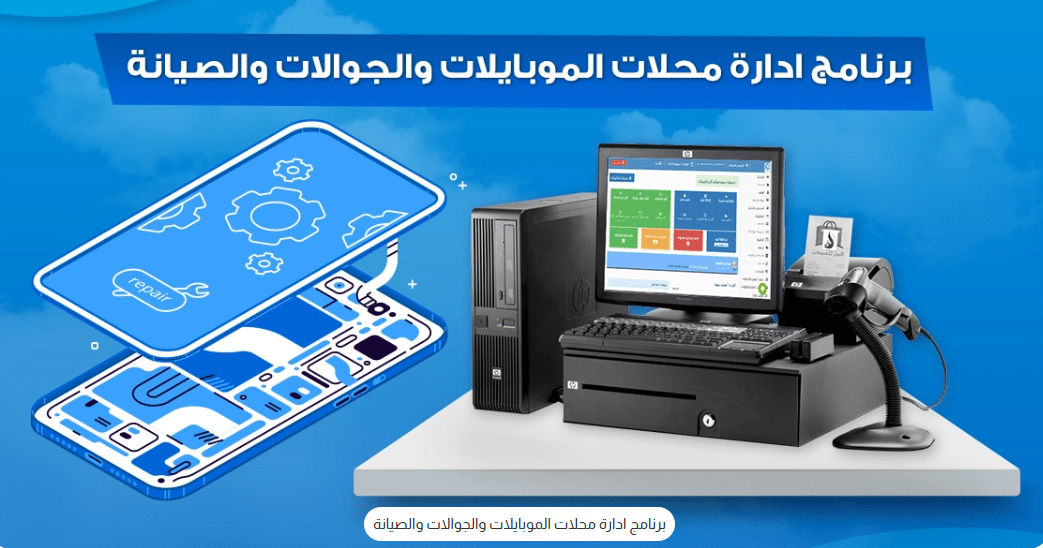
Managing a mobile phone store becomes significantly easier with the best POS system designed specifically for mobile shops and repair centers. This type of software gives you complete control over every detail in your store while organizing all internal operations and recording essential data efficiently.
Mobile Shop and Phone Repair Management Software
A dedicated accounting and management system for mobile phone shops is one of the most effective tools you can rely on to manage your business with high efficiency. It allows you to oversee all your branches or operations from a single place without the need to move between locations or spend extra time and effort.
In general, mobile shop and repair management systems help you streamline all processes related to your mobile store. Al Badr Sales Solutions offers what is considered one of the most advanced and reliable mobile shop management systems in the market.
This software provides you with an exceptional and seamless experience, enabling you to monitor all in-store activities, track mobile devices using serial numbers, and manage many other essential tasks required for phone repair shops. You can also download a free version of the mobile shop management software or the mobile repair shop management software directly from Al Badr.
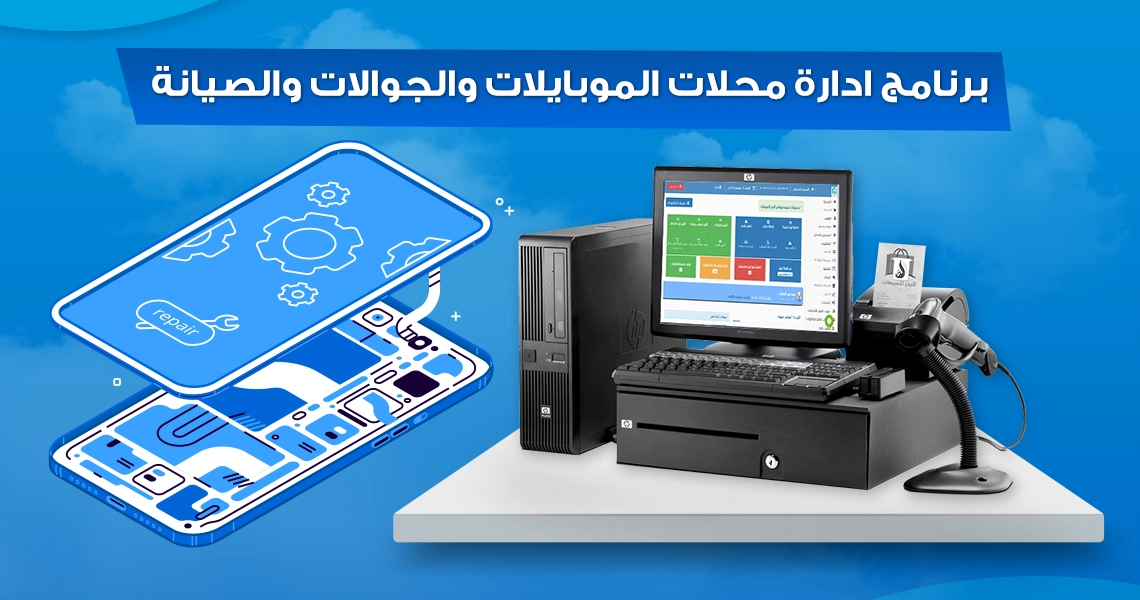
What Is the Importance of Mobile Shop and Phone Repair Management Software?
The mobile shop and repair management system offered by Al Badr Sales Solutions is considered one of the best and most reliable platforms available today. Its importance as a dedicated mobile POS system revolves around the following key advantages:
- Enables installment-based selling.
- Supports adding multiple categories for mobile recharge cards.
- Allows multiple pricing levels for the same item (wholesale – half wholesale – retail).
- Adds discounts and promotional offers to items.
- Includes a dedicated section for repair services.
- Records and manages mobile recharge card sales.
- Registers devices using a serial number.
- Tracks and schedules debts for both customers and suppliers.
- Identifies the best-selling items in the store.
- Supports adding multiple units (charging cable – device – screen).
Factors to Consider When Choosing Mobile Shop Management Software
When selecting a mobile store management system, you should consider the following points:
- Features: Choose software that provides a wide range of tools to manage your business efficiently.
- Price: Costs vary depending on the range of features and capabilities included.
- Ease of Use: Opt for a system with a simple, user-friendly interface that allows staff to use it effortlessly.
- Technical Support: Ensure the software offers reliable and accessible customer support to resolve any technical issues.
Tips for Choosing and Using Mobile Shop and Phone Repair Management Software
Here are some practical tips to help mobile store owners select and use management software effectively:
- Identify your needs: Before searching, determine the essential functions your shop requires, such as inventory management, POS, customer management, and sales tracking.
- Research and compare: Explore available systems in the market and compare them based on features, ease of use, cost, and user reviews.
- Test before deciding: Try several software options to determine which one best suits your workflow and operational needs.
- Training and support: Ensure you and your team receive proper training and have access to technical support when needed.
- System integration: Make sure the software integrates smoothly with other systems you use, such as attendance, accounting, and marketing tools.
- Regular updates: Choose software that provides ongoing updates and enhancements to keep up with industry needs and modern technologies.
- Maximize the features: Fully utilize all available tools to improve your shop’s operations. Don’t hesitate to seek help from the software provider.
- Continuous evaluation: Periodically review the system’s performance to ensure it remains suitable for your store’s needs and make adjustments when required.
Key Features of Al Badr’s Mobile Shop and Phone Repair Management Software
Al Badr’s mobile shop and repair management system is widely recognized as one of the most powerful solutions in the market. As a high-performance mobile POS system, it enables store owners to manage operations professionally, smoothly, and with complete ease. Below are the core features:
1- Mobile Shop Management Software for Item Classification
The system allows you to easily create, organize, and categorize all items in your store. Key capabilities include:
- Registers products using serial numbers to track warranty details and sales history.
- Supports multiple telecom providers for generating different recharge cards.
- Allows adding multiple categories for mobile recharge cards.
- Enables using and deducting mobile recharge cards of any value from available credit.
- Supports multiple units such as charging cable, device, headset, or screen.
2- Mobile Shop Management Software for Sales Management
Al Badr provides a dedicated sales management module for mobile stores, helping you track and manage all sales activities effortlessly. Its main features include:
- Compares purchase prices with selling prices and sets minimum selling limits.
- Identifies best-selling items to simplify purchase planning.
- Allows setting warranty duration for all devices and checking available stock quantities.
- Features an intuitive POS interface that supports barcode scanning.
- Records all customer payments and tracks outstanding balances.
3- Mobile Shop & Repair Software for Purchases and Supplier Accounts
To simplify purchase operations and supplier management, Al Badr offers an advanced POS system that enables:
- Displaying all missing or low-stock items directly on the main dashboard.
- Recording new purchase transactions for the store.
- Tracking all supplier payments and outstanding balances.
- Recording supplier details and due dates for each payment.
- Displaying a customer’s purchase history for any selected period.
4- Multiple Selling Methods in Mobile Store Software
The system supports several selling models tailored to mobile shop needs, including:
- Selling via installments with a dedicated section for installment review, due dates, and debt scheduling for both customers and suppliers.
- Multiple pricing levels for the same item (wholesale – half wholesale – retail).
5- Mobile Shop Software for Employee Permission Control
Al Badr’s mobile and repair shop software allows assigning user permissions based on employee role or access level. Permission levels include:
- Standard user permissions.
- Intermediate user permissions.
- Advanced user permissions.
6- Mobile Shop Software for Inventory Management & Invoicing
The software provides powerful tools for managing your stock and generating invoices efficiently:
- Quick access to any warehouse and real-time visibility of available device quantities.
- Easy inventory counting using barcode scanning.
- Ability to upload photos of items stored in the inventory and show quantities during the selling process.
- Classifies warehouses as main warehouse or sub-warehouse.
- Supports printing invoices for all customers.
- Automatically adds sales tax and any additional taxes.
- Reviews previous invoices for customers and suppliers.
- Allows choosing the invoice format and size that fits your store.
7- Reporting & Easy System Operation
Al Badr’s mobile shop and repair management system provides exceptional reporting capabilities, including:
- Device reports with minimum quantity alerts.
- Employee data reports.
- Complete store and warehouse inventory reporting.
- Daily, monthly, and yearly sales summaries with net profit per invoice.
- Returns, cashbox details, and full sales/purchase breakdown.
- Works on all devices (PC – mobile – laptop).
- Supports importing data from Excel files.
- Compatible with all printer types.
8- Technical Support
The mobile shop and phone repair management system ensures full data protection, preventing unauthorized access to your files. Al Badr also provides top-tier customer support that includes:
- A dedicated technical support team ready to provide solutions and execute user requests.
- Full-week support through phone, email, live chat, and WhatsApp.
Access to the free version of the mobile shop management software, allowing you to explore its capabilities and manage your store with maximum efficiency.

Key Features That Should Be Included in Mobile Shop Management Software
Mobile shop management software must include specific features to ensure smooth, efficient, and effective operations. Here are the essential functionalities every system should provide:
Inventory Management
Provides precise inventory control, including tracking products and available quantities, forecasting needs, managing stock levels, and organizing storage efficiently.
Point of Sale (POS)
A fast and efficient POS system for processing sales and payments, with the ability to issue invoices and receipts, while accurately recording all sales transactions.
Customer Management
Offers a customer database to track purchase history, preferences, and contact information, making it easier to communicate with clients and deliver excellent customer service.
Budgeting & Accounting
Manages financial operations such as sales, expenses, profits, losses, and taxes, and generates detailed financial reports for better decision-making.
Reporting & Analytics
Enables the creation of various reports and sales performance analytics, monitors trends, identifies best-selling products, and analyzes return on investment.
Employee Management
Provides tools to manage employee data, schedules, salaries, assign permissions, and monitor work performance effectively.
Integration with Other Systems
Supports integration with attendance systems, accounting software, digital marketing platforms, and other tools to ensure smooth coordination of all operations.
Ease of Use & Support
Features a simple, intuitive user interface with comprehensive technical support to ensure a seamless experience for users.
Why Choose Al-Badr Mobile & Repair Shop Management Software?
Al-Badr’s Mobile & Repair Shop Management Software is the ideal choice because it offers a range of important features:
Arabic Language Interface & Easy to Use
The software provides an Arabic interface that is simple and intuitive, making it easy for users to navigate and operate.
Ability to Add Multiple Stores
Users can add multiple stores within the software, allowing them to manage all products, units, and product coding effortlessly.
Comprehensive Account Management
The system covers all store transactions, including purchase operations, supplier registration, purchase returns, as well as sales management.
Detailed Reports
Provides detailed reports on suppliers, product types, and withdrawal rates for each company, along with comprehensive reports for all items produced by each supplier.
Financial Account Management
The software performs a complete accounting of expenses, withdrawals, other revenues, and bank accounts, with the ability to generate detailed reports for any selected period.
Al-Badr Sales YouTube Channel
Al-Badr Sales maintains an official YouTube channel where it provides tutorials and explanations covering all aspects of its software, including features, usage, and registration. You can access the full playlist of tutorials to explore every detail of the programs.
Additionally, there are instructional videos for the Mobile Shop Management Software, offering a detailed guide on usage. The software features a simple yet professional interface, and the company provides educational tutorials to help users master the system.
Al-Badr’s POS system for managing mobile and repair shops is highly practical. Once you experience its ease of use and efficiency, you will find it indispensable for managing your business smoothly.