
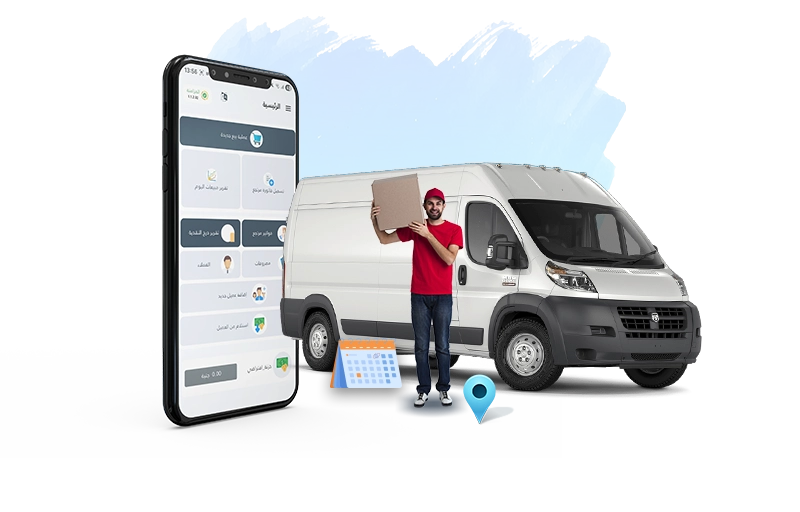
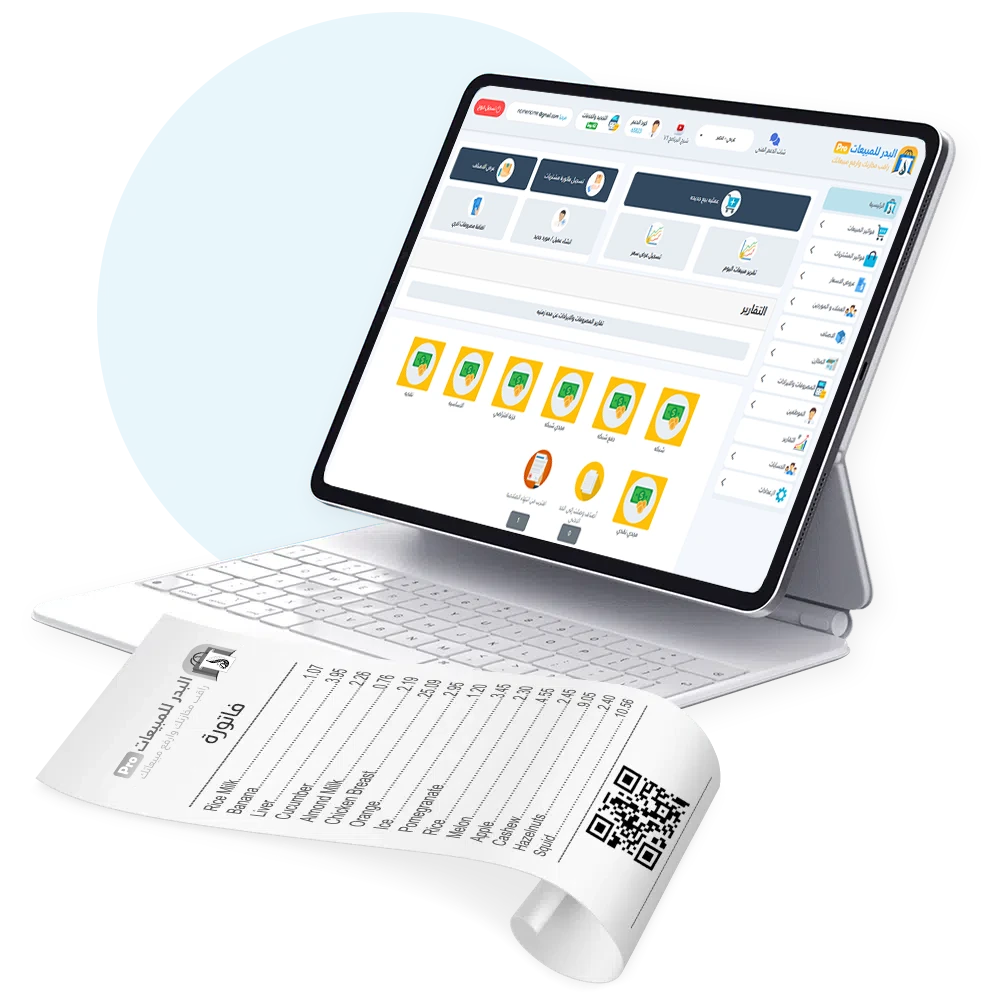
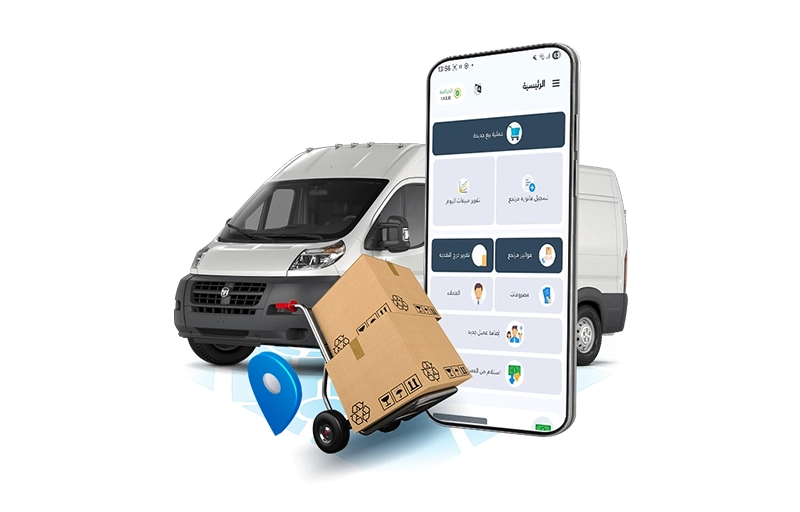
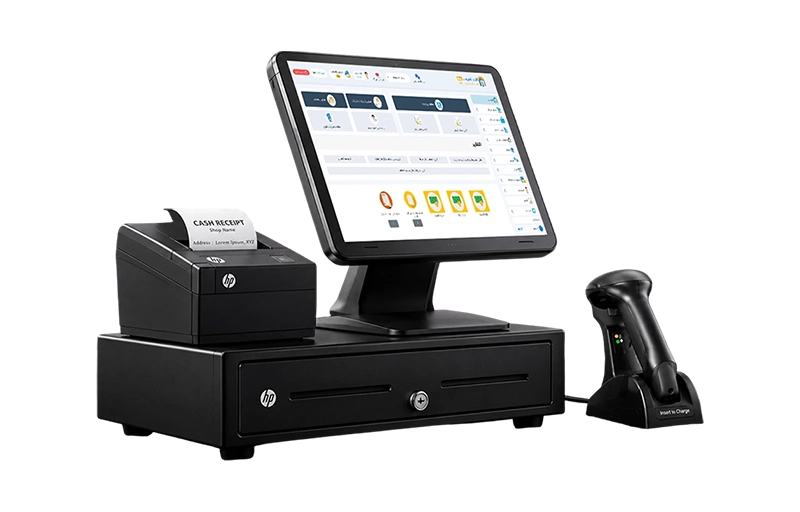
Al Badr Sales Pro is a comprehensive sales, accounting, and inventory management solution. It includes invoicing, customer and supplier accounts, inventory management, points of sale, warehouses, financial reports, and profit and loss tracking. With access to the system from anywhere, you can efficiently manage your field sales team, making representatives an integral part of your business operations rather than simply employees submitting reports at the end of the day.
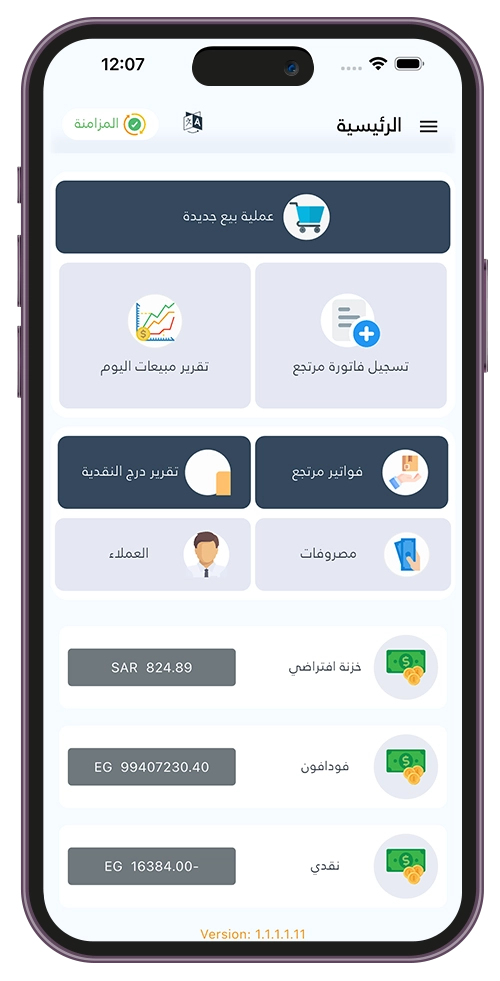
New Sale
Record a Sales Return
Daily Sales Report
Return Invoices
Sales Routes
Expenses
Customers
Add New Customer
Customer Collections
Share Invoices with Customers
Al Badr Sales Pro is a comprehensive sales, accounting, and inventory management system. It includes invoicing, customer and supplier accounts, inventory management, warehouses, points of sale (POS), financial reports, and profit and loss tracking. With access to the system from anywhere, you can efficiently manage your field sales team, making sales representatives an integral part of your daily business operations rather than simply employees submitting reports at the end of the day.
The process begins through the Al Badr Pro dashboard, where each sales representative is registered and assigned to the appropriate warehouse or point of sale. Products are then allocated to each representative based on their assigned tasks. During field visits, representatives use the mobile application to record sales, returns, customer payments, expenses, and inventory transactions. This allows management to clearly track each representative’s activities, monitor sales and inventory, and review related financial transactions. The system also provides a dedicated representative tracking feature that consolidates all this information, allowing managers to review it directly within the main system without relying on paperwork or manual reports.
The true power of the Sales Representative Management System becomes clear when field sales are directly connected to inventory and accounting. When products are taken from the main warehouse and assigned to a sales representative, and the representative subsequently sells them, records a return, or collects a payment, these transactions become part of the business’s daily operations and are reflected in the system. Al Badr Pro provides comprehensive tools for managing multiple warehouses and points of sale, recording sales and purchase invoices, tracking customer and supplier accounts, managing expenses and inventory, and generating profit and loss reports and financial statements. As a result, the system goes beyond simply tracking sales representatives. It connects field sales activities with the company’s accounting and inventory operations.
Al Badr Sales Pro provides a comprehensive accounting and management platform for handling financial and inventory operations across various business activities. The system is cloud-based, allowing users to access their data anytime, anywhere. It enables businesses to manage sales and purchase invoices, record expenses, and generate profit and loss reports and approved financial statements. It also supports electronic invoicing requirements set by the Zakat, Tax and Customs Authority (ZATCA) in Saudi Arabia and the Egyptian Tax Authority. Additionally, the system helps manage different business activities, control wholesale and retail prices, track sales representative commissions, and monitor daily cash flows through a centralized dashboard.
The process begins in the Al Badr Pro dashboard, where each sales representative is registered and assigned to the appropriate warehouse or point of sale. Products are then allocated to each representative based on their assigned tasks. During field visits, representatives use the mobile application to record sales, returns, customer payments, expenses, and inventory transactions. This allows management to clearly track each representative’s activities and monitor sales, inventory, collections, and related financial transactions. The system also includes a dedicated sales representative tracking feature that consolidates all this information, allowing managers to review it directly within the main system without relying on paperwork or manual reports.


| Field Operations | Traditional (Manual) Management | Management with Al Badr Sales Pro |
|---|---|---|
| Sales Representative Tracking | Relies on phone calls without reliable reports. | Live, real-time tracking of each representative on a map. |
| Vehicle Inventory Management | Frequent inventory errors and missing products. | Separate inventory for each vehicle, with accurate stock tracking. |
| Working in Areas with Poor Network Coverage | Sales operations are disrupted, and invoice issuance stops. | Partial offline functionality with the ability to sync data later. |
| Route Planning | Unplanned visits and overlapping routes between representatives. | Defined sales routes for each city or residential area. |
| Invoicing and Payment Collection | Manual paperwork is time-consuming and leads to accounting errors. | Instant issuance of tax-compliant invoices integrated with the system. |
The dashboard allows you to define a route for each sales representative and assign specific areas or cities to them. You can also organize customer visits according to designated geographic zones. This organization is displayed in the application, so representatives know which customers they are scheduled to visit each day. Management can then review their movements based on the assigned routes, rather than having representatives work randomly or visit the same locations. This feature makes representative management more closely connected to customers and planned routes, rather than simply tracking representatives' locations.
Through the sales representative management system, you can track representatives' locations and movements on a map, view the places they have visited during a specified period, and understand their routes more clearly. You can also compare representatives' locations with the customers they are supposed to visit. This gives management a clearer picture of what is happening in the field throughout the day, rather than relying solely on the information provided by each representative.
If you have multiple sales representatives, the dashboard allows you to display your field team on a map and track their locations. This helps you quickly see how representatives are distributed across different areas and monitor their movements throughout the day. It also highlights the integration between the representatives' mobile application and the management dashboard, bringing field activity data together in one place.
Each sales representative can be assigned to an independent warehouse representing the products available in their vehicle or at their work location. Through this setup, management can transfer quantities from the main warehouse to the representative's warehouse and monitor the associated inventory. This makes the Sales Pro application suitable for different distribution operations, particularly businesses with delivery vehicles or mobile sales representatives, as each representative has clearly defined and trackable inventory.
Each representative can be assigned a cash account and a bank account according to the company's settings. This helps ensure that collections and payments are recorded clearly and reviewed more accurately. When a representative's financial transactions are linked to the system, it becomes easier to review what has been collected and what has been spent from daily sales transactions.
The dashboard allows management to review sales, returns, expenses, collections, and inventory transactions performed by representatives. It also enables the team to track representative activities and performance. This is not simply a map displaying locations; it is a way to connect field attendance and visits with the actual results of sales and collection activities.
Sales representatives can access customer information related to their scheduled visits, including names, addresses, tax identification numbers, locations, and account balances. Depending on their permissions and settings, they can also view account statements and record collections or sales. Customer data also includes contact details, allowing the manager or representative to contact customers directly when needed. This supports the daily customer management process within the Sales Pro application.
The Sales Representative App is designed to be easy to use during daily sales and distribution activities. It provides a clear interface that helps representatives access the information they need during customer visits, without unnecessary complications or difficult steps. The app's screens are organized to support daily operations, making it suitable for representatives who need to complete sales and collection tasks quickly while working in the field.
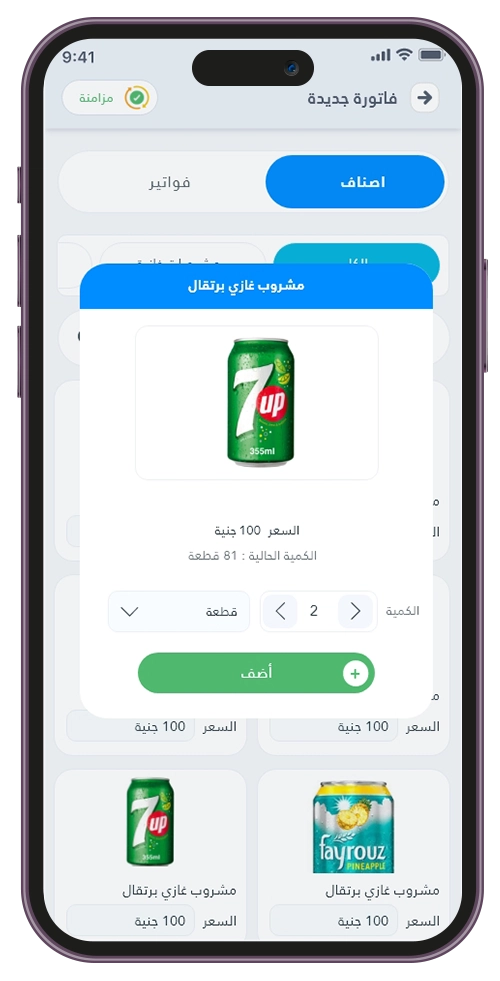
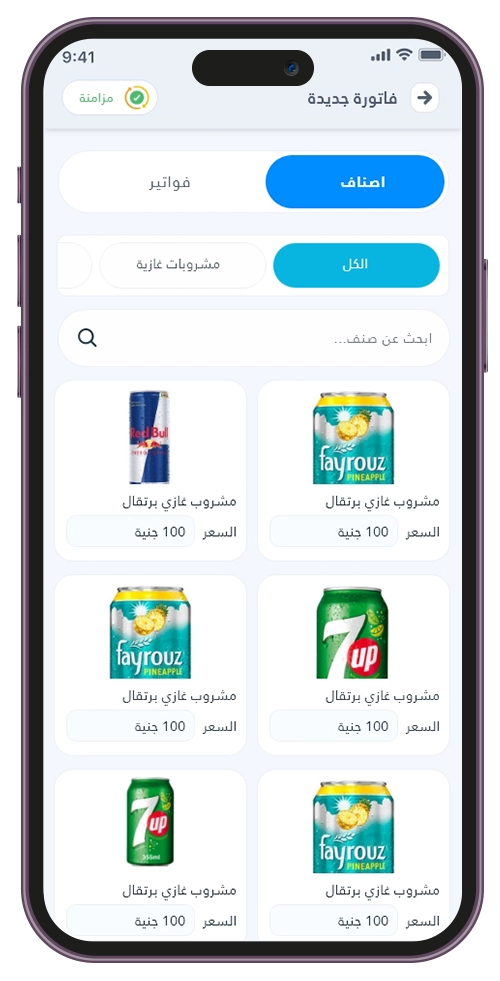
The app displays the products available in the representative's inventory, along with their prices and quantities, allowing representatives to easily identify what they can sell. These products are linked to the representative's assigned warehouse. When a sale is recorded, the system updates the available quantities accordingly. This helps representatives understand which products are available for sale and which quantities need replenishment.
One of the key features of the Sales Representative App is its ability to support certain field operations even when the internet connection is unstable. If representatives are working in areas with poor network coverage, they can continue recording supported transactions according to the app's settings. Data can then be synchronized with the main system when connectivity is restored, reducing disruptions to field operations caused by temporary network issues.
The synchronization feature allows data to be transferred between the mobile application and the management dashboard. This includes product information, customers, invoices, collections, and related transactions. As a result, the main system becomes a centralized source for monitoring representatives' activities and reviewing the company's field operations without manually transferring information from each representative.
Through the distribution representative app, representatives can issue sales invoices and returns, view available products and quantities, and monitor transactions linked to their assigned inventory. The application supports the operational concept of treating each representative's vehicle as a separate warehouse, making it easier for management to track stock movements and identify which products have been sold or remain available.
Representatives can register customers and link their information and locations to scheduled visits. They can also access the customers assigned to them and organize field visits according to predefined routes. This helps representatives maintain clear customer records and supports management in tracking visit activities more efficiently.
The app enables representatives to record customer locations and use this information during field visits. It also supports location-related features within the app's settings, helping representatives reach customers more easily and allowing management to monitor visits and field activities.
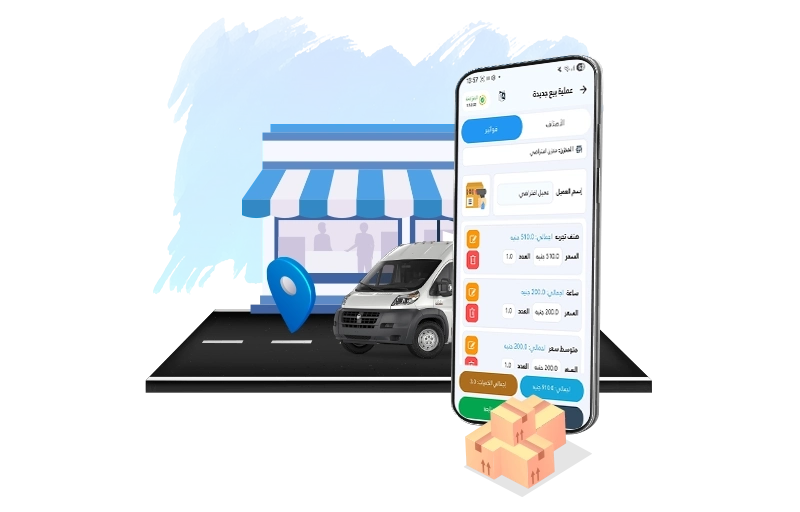
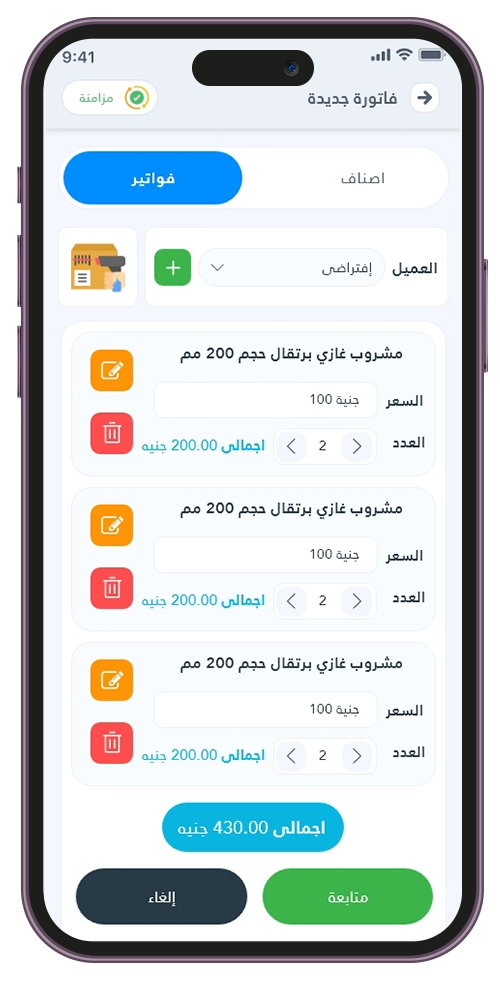
Through Al Badr Sales Pro, representatives can create sales invoices by selecting customers and products, adding the required quantities, and completing the transaction directly from the app.The system supports recording sales details, such as prices and applicable discounts, and sharing invoices with customers according to the app's settings and available services.
Representatives can record customer collections, register return invoices, add expenses, and monitor cash transactions. These activities are linked to the representative's daily financial operations, making it easier to review collected payments, recorded returns, and related expenses. The app also supports organizing financial transactions between representatives and management.
The app helps representatives review their sales activities, returns, expenses, and collections. It also allows them to monitor their work during the day, giving them a clearer understanding of their daily performance. This helps representatives follow up on their responsibilities and identify outstanding tasks or transactions.
When a representative visits a customer without completing a sale, the app allows the visit to be recorded as a no-sale visit, along with the reason. This helps management distinguish between visits that resulted in sales and those that did not, providing more accurate information about field activities instead of relying solely on invoice records.
The app provides access to customer and representative contact information, allowing users to communicate directly when needed. This supports daily coordination and follow-up activities without requiring users to search for contact information outside the system.
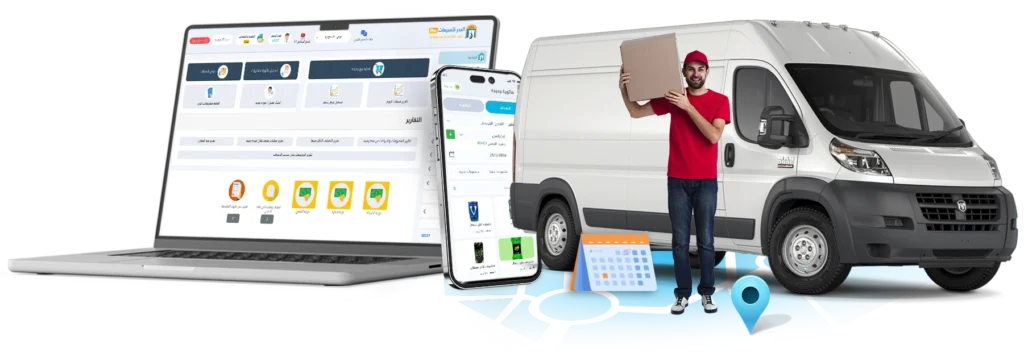
Successful field operations depend on more than simply knowing a sales representative’s location. Management also needs to know what products have been taken from inventory, how many have been sold, how much money has been collected, and which customers have been visited. This is where integrating the Sales Representative Management System with Al Badr Sales Pro becomes essential. It creates a direct connection between field operations and the company’s core accounting and inventory systems. With this integrated system, representatives can record customer transactions directly from their mobile devices, while management can monitor sales, collections, and inventory movements in one centralized platform. Instead of tracking representatives’ locations separately from their sales activities, the system connects field visits with actual business transactions. The Sales Representative App also helps distribution teams manage their daily tasks, from route planning and customer visits to issuing invoices, processing returns, recording expenses, collecting payments, and tracking inventory.
It is a system that integrates sales representative management with sales, inventory, and accounting operations within Al Badr Sales Pro.
It allows management to track representatives’ movements, sales routes, sales transactions, customer collections, and inventory through a centralized dashboard, while representatives carry out their daily operations using the mobile application.
Yes. You can define a route for each sales representative and assign it to a specific city, area, or customer route, while organizing customers and scheduled visit days.
The representative can view these routes within the app, allowing management to monitor field activities more efficiently.
Yes. Sales representatives can record transactions even without an internet connection. Once connectivity is restored, the app synchronizes the data and updates it in the main system.
Yes. The dashboard allows you to track sales representatives’ locations and movements on a map, helping management monitor field visits and identify the places visited throughout the day.
Yes. You can assign each sales representative a separate warehouse and transfer products from the main warehouse to it. The representative can then manage vehicle inventory and view available quantities before completing sales transactions.
Sales representatives can process sales, returns, and payment collections, record expenses and inventory transactions, access customer information, and manage sales routes and visits according to the configured settings and permissions.
Yes. You can assign a cash account and a bank account to each sales representative, allowing you to monitor collections, payments, sales, and expenses clearly and accurately.
Yes. The Sales Representative Management System operates within Al Badr Sales Pro, connecting representatives’ activities with inventory, sales, accounting, and customer accounts.
This allows management to review these transactions directly from the dashboard without relying on manual reports.